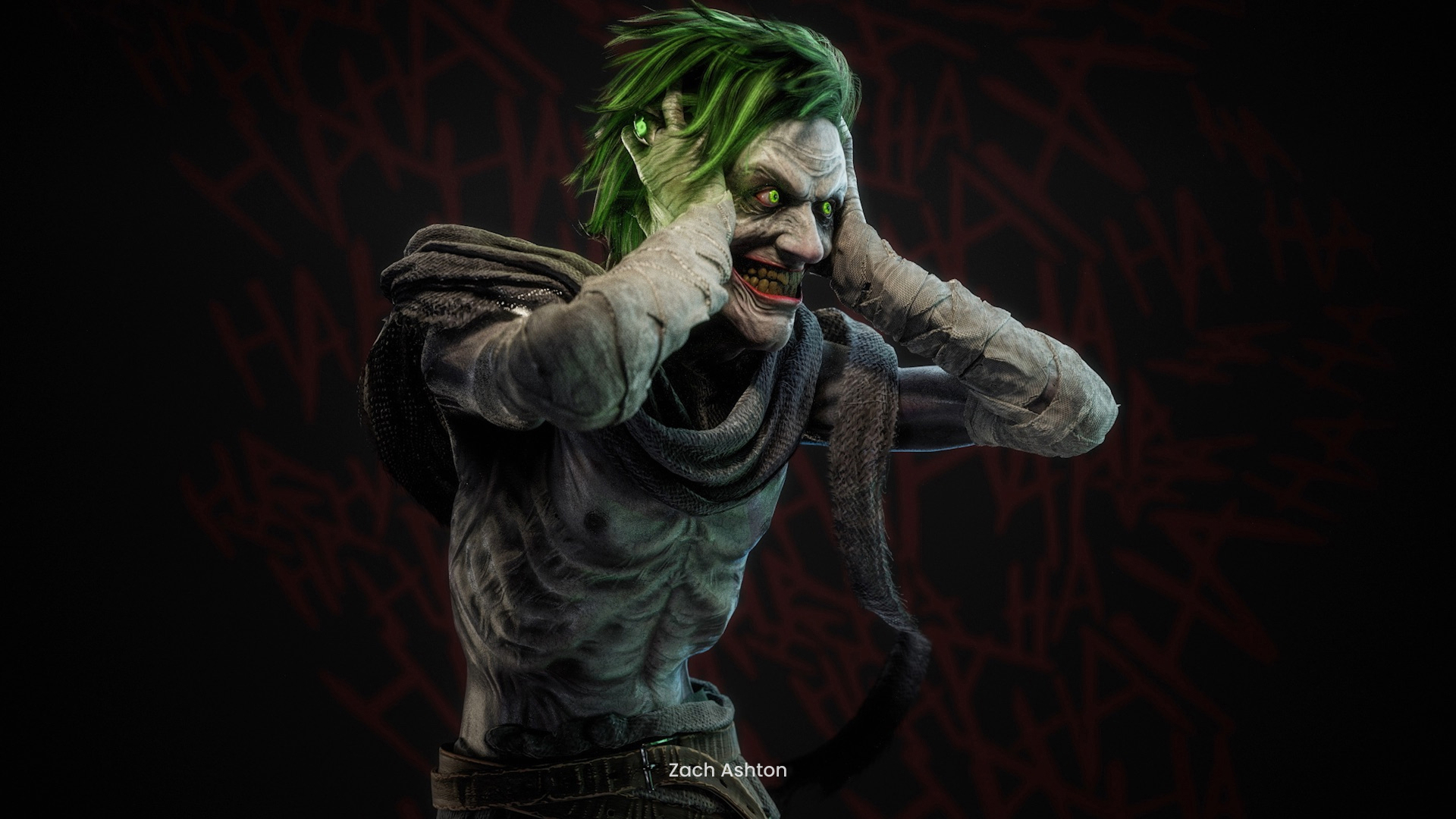

ZBrush is where the character takes shape at every stage from first blockout to production-resolution detail. The subscription includes the desktop application, full ZBrush for iPad, and Redshift CPU rendering for look development inside the sculpt.

Character creation is the process of designing and building a 3D character, from first blockout to a finished asset, whether that asset ends up animated on screen or standing on a shelf. Film and episodic studios sculpt digital doubles and creatures. Game teams build heroes and enemies for real-time engines. Collectible and toy makers sculpt figures for the store shelf and miniatures for the game table, and the same work reaches jewelry and medical illustration. For illustrators and concept painters, ZBrush is also the application that bridges 2D work into 3D. ZBrush has anchored character sculpting since its debut at SIGGRAPH in 1999, and Cinema 4D and Redshift carry the character through rigging and final rendering.
Benefits

A creature with 18 legs has no downloadable starting point. DynaMesh and ZSpheres let you rough out any anatomy in minutes, welding the parts for you, so the blockout keeps pace with the idea instead of the other way around.
Clean topology used to cost days of manual rework. ZRemesher rebuilds a sculpt's surface in seconds, and the Retopo Brush draws new topology directly over any mesh when you want control over every loop.


A character rarely ends in the sculpting app. GoZ sends the model, its maps, and a ready-built material setup to Cinema 4D in one click. Rigging and animation take over there, and Redshift renders the final frames. When a director changes the design mid-production, the same bridge carries the model back with its subdivision levels intact. The revision cycle is the job, and the pipeline assumes it.
Our Users
Capabilities
Most character projects stall at the start, before the sculpt exists. ZBrush removes that wall. Begin with a sphere and pull the form out of it, sketch an armature from ZSpheres, or block in shapes that DynaMesh welds into one sculptable surface while you work. More base-mesh starters ship with every release.


Multi-resolution subdivision is the reason high-end character work runs through ZBrush, and it is also what makes the work non-destructive. Divide the model to production density for the fine surface work, then step back down to fix proportions, and every level stays live as edits propagate up and down the stack. Dailies and directors change characters constantly, so nothing here commits you: undo history reaches back through the session, Proxy Pose handles large adjustments and posing on a high-resolution model, and polygroups keep every region selectable. There is no point of no return to plan around. Product link: ZBrush multi-resolution sculpting
ZBrush for iPad is the same application with a touch-based interface, not a cut-down port. Artists deliver production-ready models sculpted entirely on the tablet, and a model built there is ready for a game, film, or print pipeline. Many start on iPad, where sculpting feels closest to sketching, then move to desktop for final detailing. Files travel as ZTL or ZPR, or through GoZ with one click.

Integration
A finished sculpt is the midpoint of character creation, and the handoff decides how much detail survives. GoZ moves the model into Cinema 4D with maps applied and a material setup already built, so a test render is one click away. Inside Cinema 4D, the Character Object builds biped and quadruped rigs with automatic weighting, and the Mixamo Control Rig retargets stock motion onto your character. Redshift renders the final frames on the GPU. A CPU version of Redshift ships with ZBrush itself for look checks before the handoff, and standard formats cover every other pipeline.

Our Solutions
Character creation runs through three tools that share one subscription path. ZBrush sculpts the character. Cinema 4D rigs and animates it, and Redshift renders the frames. Each stage hands off to the next without rebuilding the asset, and Maxon One covers the full set.

ZBrush is where the character takes shape at every stage from first blockout to production-resolution detail. The subscription includes the desktop application, full ZBrush for iPad, and Redshift CPU rendering for look development inside the sculpt.


Cinema 4D turns a sculpt into a performer. The Character Object builds the rig and binds it with automatic weighting, and the animation toolset brings the character to life. Every Cinema 4D subscription includes Redshift GPU rendering.

Redshift renders the finished character at GPU speed and handles everything from lookdev turntables to final shots. The renderer runs natively in Cinema 4D and as a plugin in other supported hosts, so the render fits the pipeline you already have.

Maxon One puts ZBrush, Cinema 4D, and Redshift under a single license alongside the rest of the Maxon toolset, and ZBrush for iPad is included. Capsules adds a constantly updated asset library across the Maxon apps. One subscription carries a character from digital clay to delivered frames.
Tutorials
The fastest route in is watching a character get built. The tutorials below follow the same pipeline this page describes, from first sculpt to rigged and rendered character:
Maxon Training Team


Case studies
Testimonials
How it works
Every character pipeline ends differently, but the sculpting arc stays the same whether the asset heads to an engine or a printer. Paul Gaboury, who has taught this workflow for two decades, breaks it into four stages, and the handoff makes five. The steps below follow one character from sphere to delivered asset.
Start from references or a supplied concept, or from nothing but a sphere. The blockout stage is about silhouette and proportion at the right scale, and it decides more than any other. If the eyes sit wrong or the pose reads false, no amount of later detail will save it. Stay loose and keep moving, then check every angle before committing.
Convert the rough blockout into a clean surface that follows the character's forms. ZRemesher handles it in one click, and the Retopo Brush lets you retopologize any mesh by hand where the deformation matters. Clean topology pays off all the way through subdivision and rigging.
Divide the model to production density and put in the fine work, skin pores, wrinkles, and scarring included. Multi-resolution subdivision keeps every level editable, so a proportion fix at level one flows up into the detail at level six instead of destroying it.
Pose the character out of its neutral stance and add whatever damage or wear the story calls for, then paint it with PolyPaint. A character reads as alive when it carries its history, and this stage is where that happens.
GoZ hands the model to Cinema 4D for rigging and animation. Maps and materials arrive already applied, and Redshift takes the render from there. Game assets export to your engine with baked detail maps, and collectible or toy work exports through 3D Print Hub to the slicer at exact scale.
3D character creation is the process of designing and building a character as a digital model, then preparing it for whatever the project needs next. The workflow runs from blockout through retopology and detailing to posing, and it ends in a handoff to the next stage of the pipeline.
Film and game studios typically pair a dedicated sculpting application with rigging and rendering tools. ZBrush has been used on the majority of AAA console and PC games, and film character pipelines rely on it for digital doubles and creatures. Cinema 4D and Redshift cover rigging and final frames.
ZBrush covers the standard interchange formats: OBJ, FBX, STL, 3MF, MA, PLY, DAE, ABC, VRML, x3D. ZBrush's own ZTL and ZPR files move projects between desktop and iPad, and GoZ handles the Cinema 4D round trip without manual export steps.
A modest system runs ZBrush well. The application was engineered around CPU-based sculpting rather than GPU horsepower, so an older machine still handles multi-million-polygon models. Check the system requirements on maxon.net for current specifics.
Desktop ZBrush supports up to 100 million polygons per SubTool through standard subdivision, and professional character models often run to several hundred million polygons across multiple SubTools. HD Geometry pushes past 500 million polygons on a single mesh for extreme close-up work. On iPad, capacity depends on the device and reaches 90 million polygons on current high-end hardware.
Yes, preparation runs right up to the slicer. DynaMesh hollows the model to save material, and 3D Print Hub exports it at exact scale in the standard print formats: STL, 3MF, VRML, OBJ. Those formats carry color data for full-color printing, and Print Hub imports STL as well. Slicing itself happens in your printer's slicing software.

Sculpt it in ZBrush on desktop or iPad. Rig and animate it in Cinema 4D, then render it with Redshift. Maxon One puts the whole character pipeline under one subscription, and the trial is the fastest way to feel what digital clay can do.
Free 14-day trial available. No credit card required.