Real-time architectural visualization

For architects and visualization specialists who need photoreal BIM visuals on tight project deadlines

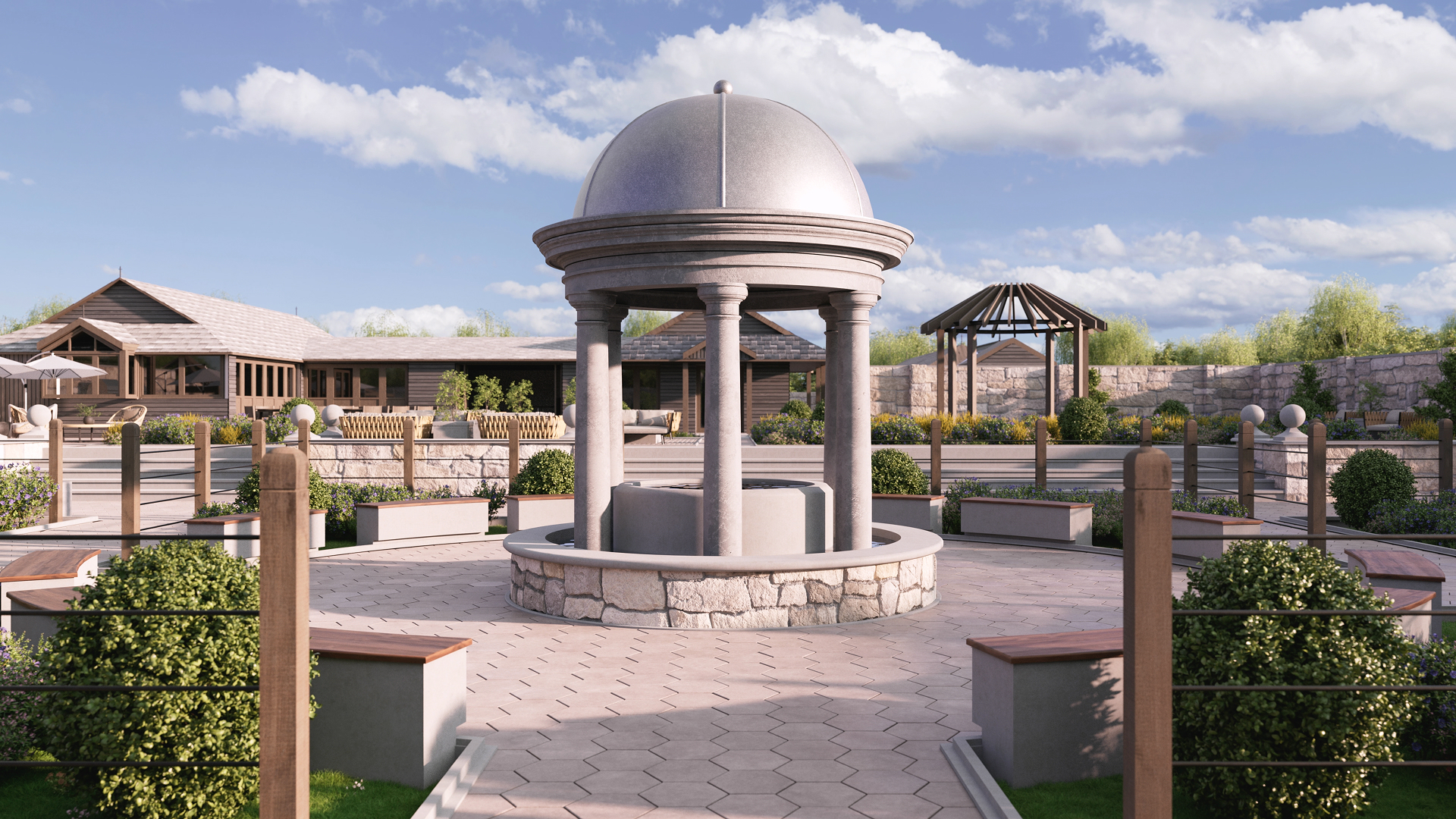
The BIM viewport shows the data, not the design. Materials lack realism and the lighting falls flat, so clients still ask what the space will really look like. Redshift for Archviz brings real-time ray tracing into host applications including Revit and Vectorworks, so materials and light look believable while you work. If you want to animate the project or achieve an even higher level of realism, export it to Cinema 4D to refine geometry, materials, cameras, and lighting even more or add simulations.
Real-time architectural visualization

What is architectural visualization software?

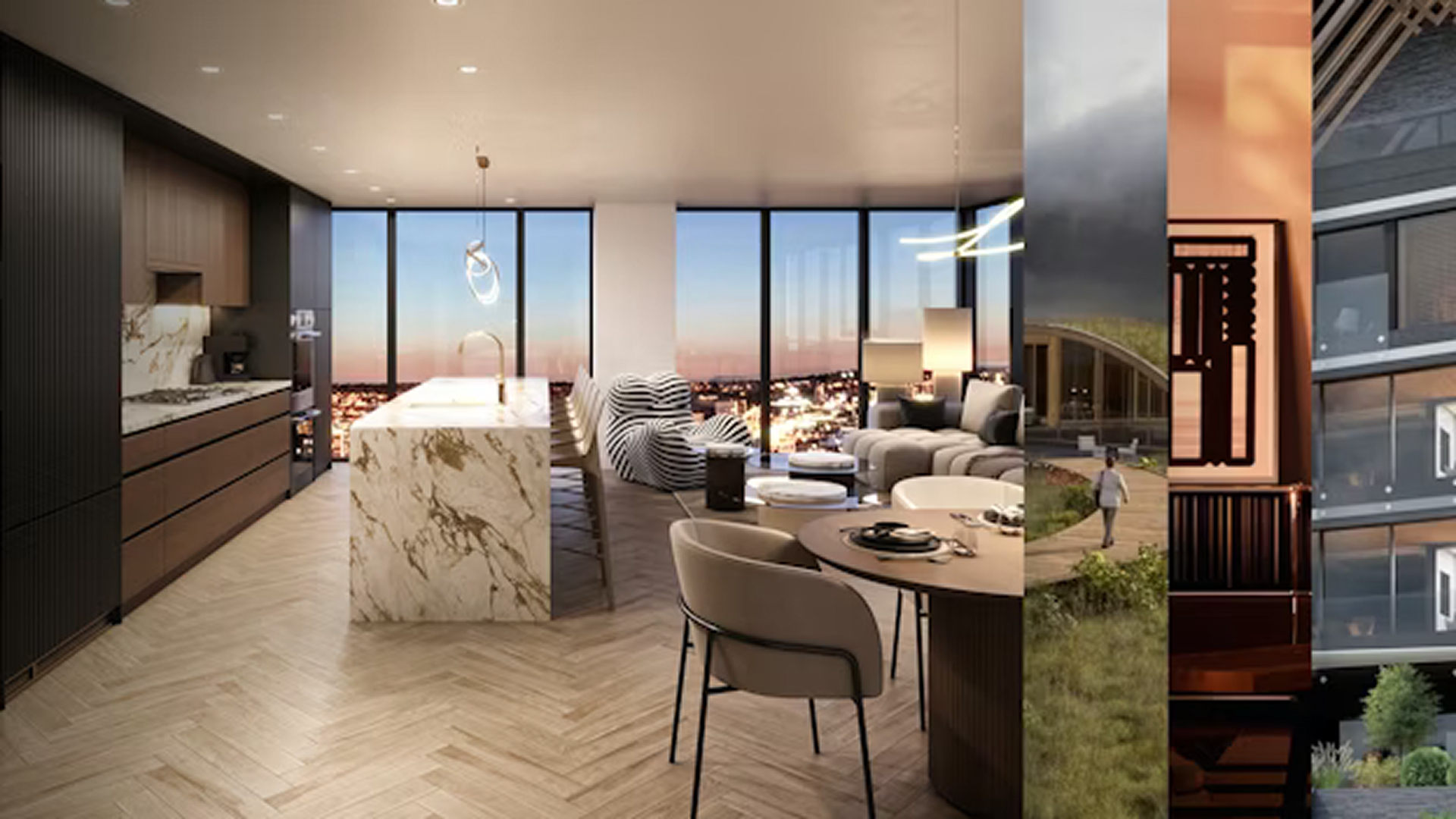
Architectural visualization software turns a building design into photorealistic images and animated walkthroughs before construction. Architects use them to show clients and planning boards how a space will look. The newest tools render in real time inside BIM software, then hand off to production renderers for the cinematic final output. Redshift for Archviz brings that real-time, photorealistic preview directly into Vectorworks and Revit, and will soon be coming to Archicad.

Benefits

The BIM viewport exists to hold the model, so lighting looks flat and materials lack realism. Redshift for Archviz ray-traces the same scene in real time, so light and materials look believable and a client sees a realistic design instead of a flat model.

Integrated BIM renderers make you submit a frame and wait for a single image to render, and every material change restarts the clock. Real-time ray tracing updates the view as you change a material or move a light, so iteration keeps pace with your decisions. 

Export to a separate app and the materials and detail you add there do not transfer back to the BIM software. Redshift for Archviz keeps data in the project file and syncs both ways, so a change flows back to the host with nothing orphaned in another format. 

Our Users

Architect with rendering responsibilities

Capabilities

Redshift for Archviz ray-traces your scene in real time with the Redshift Live engine, right inside your BIM host. This approach allows for realistic lighting, as light bounces off walls and other surfaces the way it would in a real room. Reflections and shadows holds up when a client zooms in, and the preview stays highly interactive with accurate lighting while you design.

  • Real-time ray-traced viewport
  • Physically accurate sun, sky, and artificial light
  • Reflections and shadows that hold up on zoom
  • Materials look realistic

High-detail scenes including scattered vegetation or dense interiors stay workable on a single GPU, because Redshift instances repeated geometry efficiently. Production renders can use multiple GPUs to render even your most complex scenes with speed.

  • Instanced geometry for vegetation and repeated elements
  • Large interiors and full site contexts
  • GPU-accelerated preview and render
  • Multi-GPU scaling on production renders

Your data stays in the project file and syncs both ways, so a change in the host updates the preview live with no export step and no orphaned assets. Save presentation variations and switch between them for client review without leaving the project.

  • Two-way sync with the BIM host
  • No export step or file-format juggling
  • Presentation variations for client review
  • Runs on Windows and macOS, with support for Apple Silicon 

Redshift for Archviz runs inside your BIM host on its own. When a project needs animation, dynamic simulation, or a cinematic final frame, a one-click handoff opens the scene in Cinema 4D with materials and cameras intact. Redshift then renders production frames on the GPU with multi-pass output for post.

Supported hosts: Vectorworks | Revit | Archicad (currently in beta)

  • Install in your BIM host
  • Scene transfer to Cinema 4D with design intact
  • GPU production render, multi-pass output
  • Support for macOS and Windows 

Our Solutions

From real-time previews to cinematic final renders, Redshift for Archviz, Cinema 4D, and Redshift provide artists working in architectural visualization a complete production pipeline. All included in the Maxon One subscription.

Maxon Redshift Mark Primary 200px
Redshift for Archviz

Redshift for Archviz runs as a native plugin inside your BIM host, eliminating the need to learn Cinema 4D to achieve high-quality visuals. The Redshift Live engine renders in real time with cinematic quality. Two-way sync keeps your work in the project file. 

Maxon Cinema 4 D Mark Primary 200px
Cinema 4D

Cinema 4D is the optional next step to take your project to an even higher level of quality, adding animation, dynamic simulation, and more to the design created in your BIM host.

Maxon Redshift Mark Primary 200px
Redshift

Redshift is a production-quality GPU renderer, delivering cinematic final frames with multi-pass output for compositing.

Maxon One Mark Primary 200px
Maxon One

Maxon One bundles Maxon’s tools for architectural visualization with the wider Maxon toolset in one subscription.

Tutorials

Maxon’s training covers the architectural visualization workflow from first preview to final render. Cineversity hosts structured courses and tips from professional artists.

Case studies

Testimonials

How it works

Start in your BIM application and enjoy live previews that allow for rapid iteration, then move into Cinema 4D and refine your scene even further by adding details or adjusting the lighting. Use Redshift to render photorealistic stills or videos using the power of your GPU.

Preview in your BIM tool

Install Redshift for Archviz in your BIM host. Apply materials, set the sun and adjust the sky, then get real-time photorealistic feedback using the native Redshift plugin. 

Iterate live

Change a material or move a light and see the result immediately with no render queue between you and the next decision. 

Move to Cinema 4D for more

When the job needs animation or custom simulation, move the scene to Cinema 4D. Materials, cameras, and lighting transfer over, so you are able to continue where you left off.  

Final render with Redshift

Render production frames on the GPU with multi-pass output ready for compositing and post. 

What is architectural visualization software?

Architectural visualization software turns a building design into photorealistic images and animated walkthroughs before it is built. Architects use it to show clients and planning boards how a space will look. Modern tools render in real time inside of BIM software, then hand off a scene to a production renderer for the final output. 

How is Redshift for Archviz different from other real-time renderers?

Redshift for Archviz combines production-grade real-time path tracing with native BIM-host integration, so the preview lives in your BIM software rather than a separate app. The same Redshift engine handles rendering in Cinema 4D for cinematic final visuals.

Which BIM tools does Redshift for Archviz work in?

Redshift for Archviz works inside Vectorworks and Revit, and will be coming to Archicad soon. The plugin installs natively, so the real-time preview is available in the host you already use.

Do I need Cinema 4D?

No. Redshift for Archviz runs inside your BIM host on its own. Cinema 4D is an optional upgrade for when a project needs animation, simulation, or a cinematic final render.

Does it produce a finished render automatically?

No. Redshift for Archviz gives you a fast, realistic starting point. You can still add detail and tune the lighting to reach the final shot in Cinema 4D, so set that expectation before you start.

How steep is the learning curve?

Most users get productive within hours, helped by a straightforward layout: an asset library on the left, scene controls on the right. Trial-and-error and the tutorial videos cover the rest. Prior Redshift or Cinema 4D experience helps but is not required. 

Does it run on Mac?

Yes. Redshift for Archviz runs on Windows and macOS, including Apple Silicon, so a Mac-based studio can work natively without a separate Windows machine.

Is it real-time, or do I wait for renders?

Redshift for Archviz previews in real time as you design, so material and light changes appear immediately. When the image is final, it produces a GPU production render with multi-pass output for post.

What are the system requirements?

Redshift for Archviz requires a modern GPU with at least 8 GB of VRAM, such as an NVIDIA RTX card on Windows or Apple Silicon (M3 Pro or later) on macOS. It installs into Vectorworks 2026.4 and later and Revit 2025 and later. For the full, current requirements, see Maxon’s system requirements page.

See your model with realistic materials and ray-traced lighting inside the host application you already use. For even higher quality, take your most sophisticated projects to Cinema 4D to add simulation and complex animation. Start a free trial and render your own project now.

Start with a free trial. Cancel anytime.