
What Is 3D Rendering? A Complete Guide to How 3D Scenes Become Images
You have almost certainly looked at a 3D render today. The car in the commercial, the kitchen in the furniture catalog, the sneaker you spun around in an online shop, and most of what you see in modern films and games started life as a 3D scene inside a computer. 3D rendering is the technology that turns those scenes into finished images, and it has quietly become one of the most important visual technologies of our time. This guide explains what 3D rendering is, how it works under the hood, which types of rendering and render engines exist, and how you can create your first render yourself, whether you are a student, designer, engineer, architect, or content creator.
What is 3D Rendering?
3D rendering is the process of calculating a two dimensional image or animation from a three dimensional scene. A render engine takes the geometry, materials, lights, and camera defined in a 3D scene and computes how light would interact with all of them, producing the final picture, which is called a 3D render. Depending on the project and the technique, this calculation can happen in milliseconds or take many hours per frame.
A helpful way to think about it: the 3D scene is a virtual film set, and rendering is the moment the photographer presses the shutter. Everything before that press, such as building the set, painting the props, and placing the lights, is preparation. Rendering is where the image actually gets made.
3D Rendering vs. 3D Modeling vs. 3D Visualization
These three terms are often mixed up. 3D modeling is the creation of the geometry itself, the digital sculpting and construction of objects. 3D rendering is the computation of images from that geometry. 3D visualization is the umbrella term for the whole discipline of communicating ideas through 3D imagery, from modeling through rendering to presentation. If you want a deeper comparison of the first two, we have dedicated an entire article to 3D modeling vs. 3D rendering.

How 3D Rendering Works: From Scene to Image
Nearly every 3D render, from a quick product shot to a blockbuster VFX frame, passes through the same pipeline. As developers of render engines, we like to describe it as six stages, because each stage hands a different kind of data to the next one.
Modeling. Objects are built as 3D geometry, usually meshes made of polygons. The model defines shape, but nothing else. A freshly modeled object has no color, no surface character, and no idea what light is.
Materials and texturing. Materials tell the render engine what a surface is made of. Textures add painted or photographed detail such as wood grain, scratches, or printed labels. Modern materials are physically based, which means they describe measurable properties like roughness and metalness instead of faking appearances.
Lighting. Digital artists do not have to paint highlights or shadows. They place light sources, and the render engine calculates everything that follows from them: shadows, reflections, soft gradients of bounced light. Lighting is where most of the realism and most of the mood in a render comes from. In addition, there are also features available that regular photographers might envy. For example, in 3D programs, it’s easy to limit the effect of light sources to specific objects or even simulate negative light, which can be used to selectively darken certain areas of the scene.
Camera setup. A virtual camera defines the viewpoint, the focal length, the depth of field, and the framing. It behaves like a real camera, which is why photography knowledge transfers surprisingly well to 3D work.
Rendering. The render engine now solves the central question: how much light, and what color of light, arrives at each pixel of the image? For a 4K frame that is more than eight million pixels, each potentially influenced by millions of polygons and many light bounces.
Post-processing. The raw render is refined with color grading, denoising, glow, or compositing with other images. Many productions render separate passes, for example reflections or shadows on their own layers, so they can be adjusted individually afterwards.
The Science Behind the Pixels: Rasterization, Ray Tracing, and Path Tracing
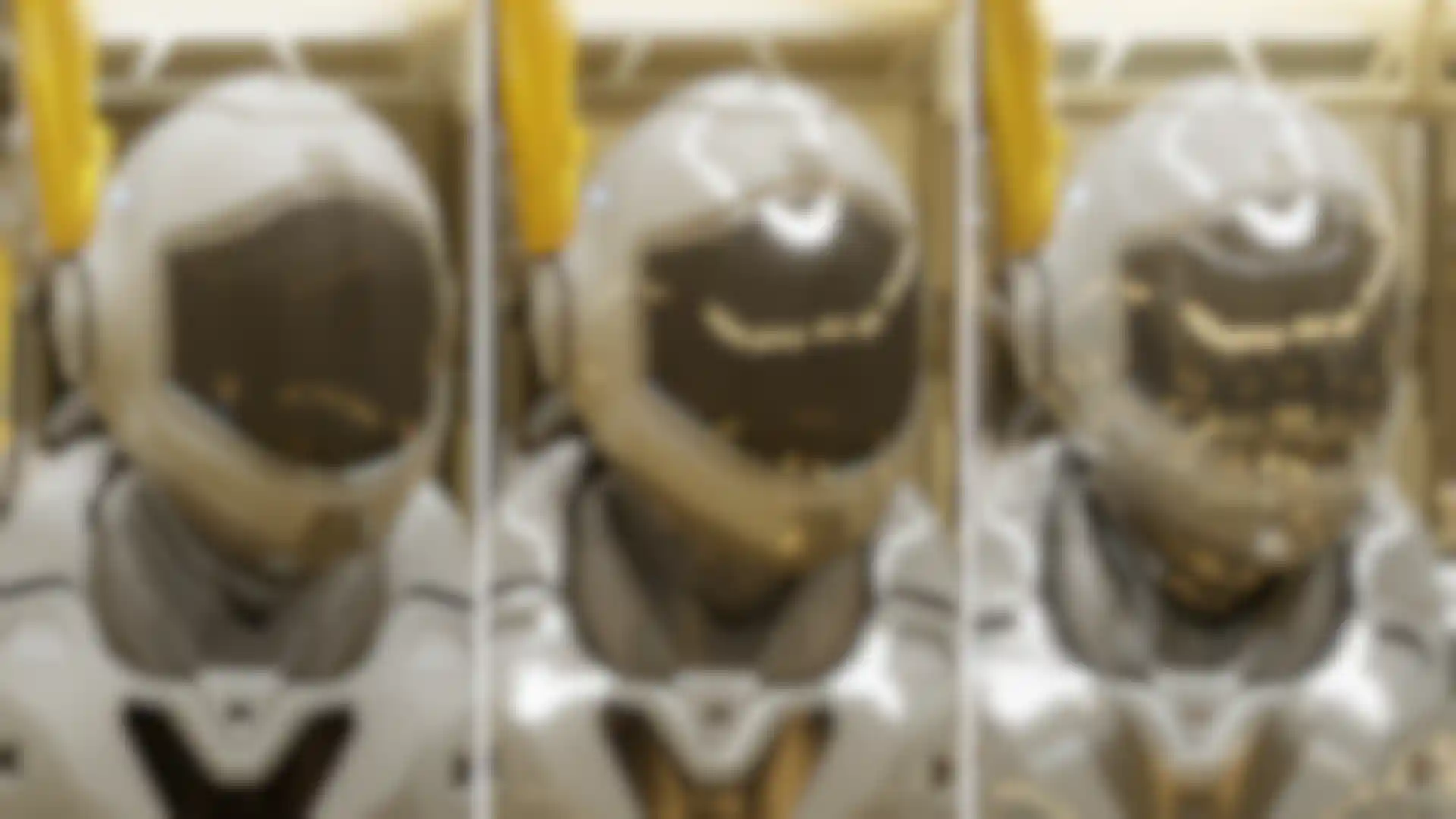
Everything a render engine does is an answer to one physics question: where does the light go? Because simulating every photon in a scene is impossible, rendering research has produced several strategies that approximate the answer with different trade-offs between speed and realism.
Rasterization: The Fast Path
Rasterization projects the triangles of the 3D scene onto the 2D image plane and fills in the covered pixels. It is extremely fast because it never simulates light transport directly; effects like shadows and reflections are added through clever approximations. This is the technique that lets games draw complex worlds 60 or more times per second, and it is the historical foundation of engines such as Unreal Engine and Unity.
Ray Tracing: Following the Light
Ray tracing works the other way around. For every pixel, the engine shoots a ray from the camera into the scene and tests what it hits. From the hit point, further rays determine whether the point is in shadow, what it reflects, and how light refracts through it. Because this mirrors how light behaves physically, ray tracing produces accurate reflections, refractions, and shadows. The cost is computation: many rays per pixel are needed for a clean image.
Path Tracing: Ray Tracing Taken Seriously
Path tracing extends ray tracing by following entire light paths through many bounces and averaging thousands of randomized samples per pixel. It captures global illumination, which is the subtle indirect light that bounces from walls and floors and gives real photographs their softness. Path traced images start out noisy and become cleaner as more samples accumulate, which is why modern engines pair path tracing with AI powered denoisers that remove the remaining grain after a fraction of the samples. Almost every production render engine today, including Redshift, V-Ray, Octane, Arnold, and Blender Cycles, is built on some form of ray or path tracing.
What Is PBR (Physically Based Rendering)?
PBR is a set of rules for describing materials by their real physical properties, mainly base “albedo” color, roughness, and metalness, together with energy conservation, which means a surface never reflects more light than it receives. The practical benefit is consistency: a PBR wood material looks like wood in bright sunlight, in a dim interior, and under studio lights, without manual tweaking. Nearly all modern render engines and game engines share this material logic, so PBR knowledge transfers directly between tools.

Real-Time Rendering vs. Offline Rendering
The most important practical distinction in rendering is not which algorithm is used but how much time the engine is allowed to take.
Real-time rendering produces at least 30 to 60 images per second, so the viewer can interact with the scene. Games, product configurators, VR, and architectural walkthroughs depend on it. To hit these frame rates, real-time engines combine rasterization with selective ray tracing and AI reconstruction techniques that upscale and denoise frames on the fly.
Offline rendering may spend seconds, minutes, or hours on a single frame, and uses that time for maximum physical accuracy: full path tracing, many light bounces, and film quality detail. Marketing stills, print resolution product shots, animation, and VFX are rendered offline.
The exciting development of recent years is that the two worlds are merging. Game engines such as Unreal Engine now include offline quality path tracers for final stills, while offline engines have become fast enough on modern GPUs to feel nearly interactive in their preview windows. A common professional workflow today is hybrid: iterate on design and lighting in a real-time or interactive preview, then switch to an offline engine for the final deliverable.
CPU vs. GPU Rendering
Render engines run either on the processor (CPU) or on the graphics card (GPU), and the choice shapes both speed and workflow. GPU rendering exploits the thousands of parallel cores on a modern graphics card and is typically several times faster than CPU rendering on comparably priced hardware, which makes it ideal for fast iteration and motion design deadlines. CPU rendering can address far more memory, which historically made it the safer choice for gigantic scenes, and it is valued for stability in film pipelines.
The boundary is dissolving here as well. Several engines now offer hybrid modes that use CPU and GPU together, GPU renderers have gained out of core technology that streams scene data beyond video memory limits, and neural texture compression is raising the effective capacity of consumer graphics cards. For big jobs, cloud render farms rent you hundreds of machines by the minute, turning an overnight render into a coffee break.
Hardware Tips for 3D Rendering
A capable starter setup for GPU rendering is a current mid-range graphics card with at least 12 to 16 GB of video memory, 32 to 64 GB of system RAM, and a fast NVMe SSD. Laptop users can render too; check your engine’s supported GPU list. If your machine is weak, do not let hardware stop you: cloud render farms and free student licenses for professional software lower the entry barrier, and real-time tools deliver impressive results even on modest gaming PCs.
What Is a Render Engine?
A render engine, also called a rendering engine, is the software component that performs the actual image calculation. Some render engines are built into 3D applications, others are installed as plugins or run as standalone programs. From a developer’s perspective, a render engine is a highly optimized light transport simulator paired with a material system, a sampling strategy, and a long list of tricks to make the math finish before your deadline.
One distinction worth knowing: unbiased engines aim to solve the light simulation without shortcuts, trading time for physical fidelity, while biased engines apply intelligent approximations that render dramatically faster with visually identical results in most scenarios. Biased is not worse; it is engineering pragmatism, and it is the reason GPU engines can deliver film quality frames in minutes.
The market falls into a few useful categories:
Integrated renderers. Engines that ship inside a 3D application. Redshift, the GPU accelerated engine included with Maxon’s Cinema 4D and also available natively for 3ds Max, Maya, Katana, and Houdini, dominates motion design and broadcast work for its speed and deep integration. Blender includes Cycles, a free path tracer that has become the standard first engine for newcomers. Autodesk ships Arnold with Maya and 3ds Max, a favorite in film and VFX.
Standalone and plugin engines. V-Ray and Corona from Chaos are fixtures in architectural and product visualization, Octane is prized for its unbiased GPU spectral rendering, and KeyShot converts CAD data into studio quality product shots with minimal setup, which engineers and industrial designers appreciate.
Real-time engines. Unreal Engine and Unity render interactively and increasingly photorealistically. Tools built on the same idea, such as Twinmotion, D5 Render, and Lumion, give architects and designers drag and drop realism without render engine expertise.
Design-integrated renderers. These bring rendering directly into CAD and BIM tools, so every design change is visualized within seconds. Enscape renders live inside Revit, SketchUp, and Archicad, and Maxon offers Redshift for Archviz, a dedicated edition of its render engine for Vectorworks and Revit, with Archicad support on the way.
Cloud render farms. Online services that render your scenes on large clusters of machines, billed by usage. They pair with all of the engine types above.
Which engine is the best rendering software? The honest developer answer: the one that fits your host application, your hardware, your output type, and your deadline. A motion designer in Cinema 4D, an architect in Revit, and a VFX studio on a render farm are all making the correct choice when they choose differently.
Who Uses 3D Rendering?
Architects and real estate developers render buildings before they exist, from photoreal exteriors to interactive walkthroughs. This field, known as architectural visualization or archviz, has its own ecosystem of specialized tools; our overviews of architectural rendering software and architectural visualization software cover it in depth.
Product designers and engineers replace photography and physical prototypes with renders. Design flaws surface earlier, marketing gets any camera angle at any time, and e-commerce teams report higher conversion and fewer returns when products are shown as high quality 3D renders. The next step in this field is the reusable digital product twin, a single rendered master asset that keeps a product brand accurate across every channel. Maxon previewed exactly such a tool at CES 2026 with Digital Twin, an upcoming standalone application that turns approved CAD models into photorealistic marketing assets, ready for use in classic design software as well as AI powered tools.
Motion designers and digital content creators produce title sequences, brand spots, music visuals, and social media content. This community popularized GPU rendering, because fast iteration matters more than anything when a client review is hours away.
Film, TV, and game studios are the historical drivers of rendering research, from the first fully path traced feature films to today’s virtual production stages, where actors perform in front of giant LED walls displaying real-time rendered environments.
Students and educators may be the most important group of all. Free tools, student licenses, and an enormous supply of tutorials have made rendering a skill you can start learning today with the computer you already own, and visual, interactive 3D content is itself becoming a powerful teaching medium in schools and universities.
Where 3D Rendering Is Heading
AI is moving into the render pipeline itself. Denoising was the first step, and AI now also upscales resolution, generates intermediate frames, and caches global illumination. The next stage, already appearing in research and driver technology, replaces parts of classic shading calculations with neural networks. The consensus among engine developers is that AI will not replace physically based rendering; it absorbs the expensive parts of the simulation so that artists get accurate images faster.
Reality capture is becoming a render primitive. 3D Gaussian splatting reconstructs real places from photos or video as millions of tiny colored blobs that render in real time. Within roughly two years the technique went from research paper to feature film shots and standardized file formats, and it is increasingly a normal asset type alongside meshes.
Real-time and offline continue to converge. Game engines gained path tracers, offline engines gained interactive previews, and hybrid workflows are the default rather than the exception.
Pipelines are standardizing on OpenUSD. Universal Scene Description, an open format originally developed at Pixar, lets scenes travel between applications and render engines without painful conversion, which matters more every year as teams mix more tools.
And generative AI? Image generators are excellent for early concepts, but production work keeps returning to 3D rendering for the things clients actually demand: precision, consistency across dozens of images, revisability, and legal safety. The emerging division of labor is AI for exploration, rendering for delivery.
How to Get Started with 3D Rendering
The learning curve is real but friendlier than it has ever been. Expect presentable results after a few weeks of regular practice and solid confidence after a few months.
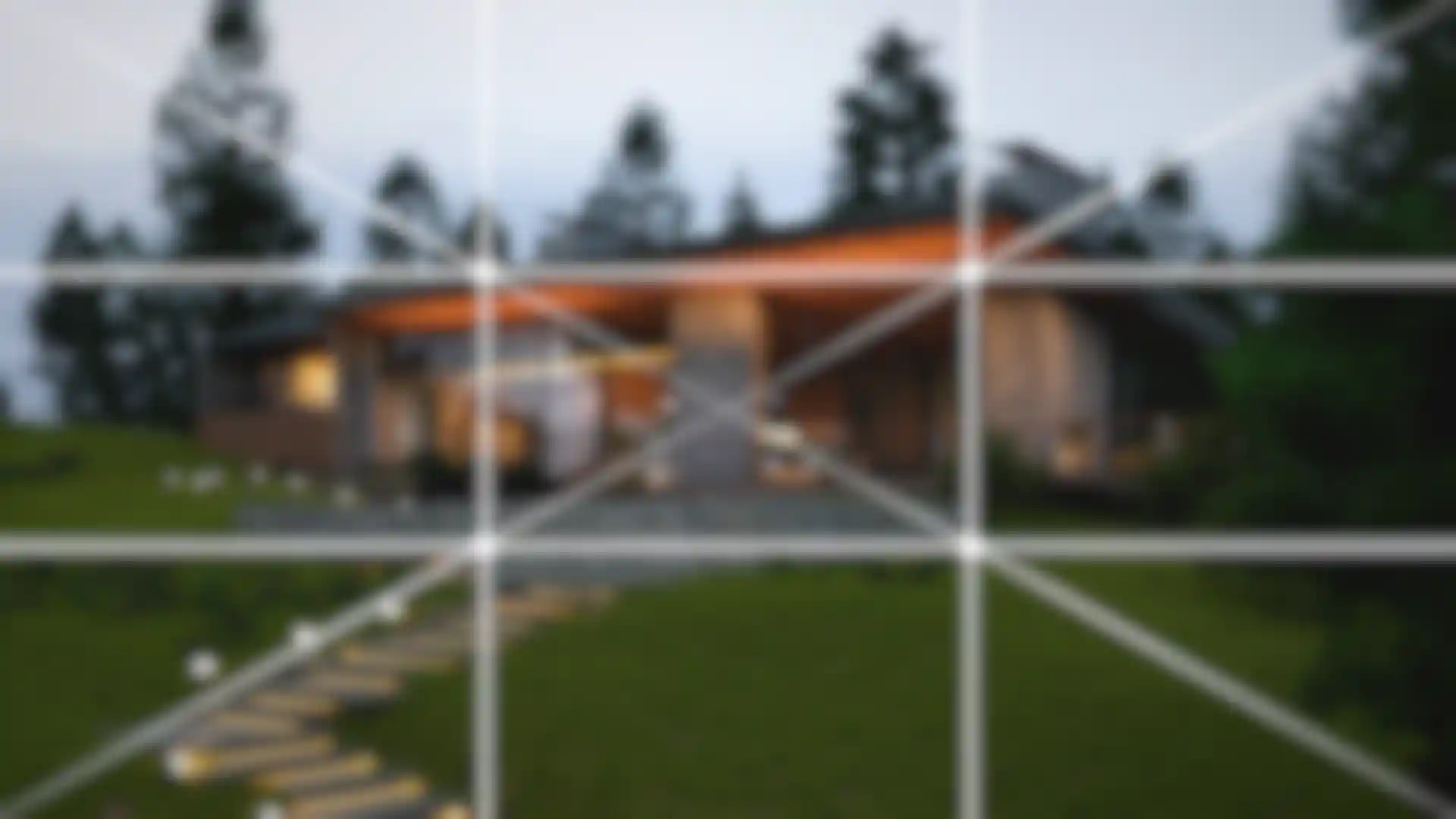
Start with one tool and stay with it long enough to stop thinking about buttons. Blender with Cycles is the classic free path. If you are drawn to motion design, Cinema 4D is renowned for its approachable interface and ships with Redshift, and Maxon offers free trials and student licenses. Architects get the fastest first results with real-time tools like Twinmotion, D5 Render, or Redshift for Archviz, which combines real-time rendering inside Vectorworks and Revit with a large library of high quality architectural assets and plants included out of the box. Whatever you choose, invest early in the two skills that outlive every software version: lighting and composition. They come from traditional art knowledge and photography, not from 3D, and they are what separates a convincing render from a sterile one.
5 Tips for Your First Render
Start with one object, one material, and a simple studio light setup. Small scenes teach faster than ambitious ones.
Use an HDRI environment image as your first light source. HDRI stands for High Dynamic Range Image, a 360 degree photograph that stores the full range of real world brightness values, so it can illuminate your scene exactly like the location where it was captured. One good HDRI produces realistic lighting and reflections instantly.
Copy a photograph. Rebuilding a real photo trains lighting, camera, and materials at the same time, and you always know what "correct" looks like.
Render small and iterate. Test at low resolution and sample counts, and save the big overnight render for the final image.
Imperfection creates realism. Slight roughness variation, fingerprints, dust, and a touch of camera depth of field sell the image more than any extra polygon.
FAQ: 3D Rendering
What is 3D rendering in simple terms?
3D rendering is how a computer turns a 3D scene into a picture. Software called a render engine calculates how light falls on the objects in the scene and what the virtual camera would see, then outputs the result as an image or animation.
How long does 3D rendering take?
Anywhere from real time to hours per frame. A game renders more than 60 frames per second, a product still might take minutes, and a film quality frame with complex lighting can take hours. Scene complexity, resolution, quality settings, and hardware determine the time, and animations multiply it by 24 or more frames per second of footage.
What is the difference between 3D modeling and 3D rendering?
Modeling creates the 3D geometry, rendering computes images from it. Modeling is comparable to building and painting a physical set, rendering to photographing it. Most projects need both skills, but they are distinct steps with distinct tools. See our full comparison.
Is 3D rendering hard to learn?
It is a learnable skill, not a talent lottery. The technical basics of placing lights, assigning materials, and starting a render can be picked up in days. Producing images that look professional takes months of practice, mostly in lighting and composition. Real-time tools have lowered the entry barrier dramatically.
What is the best 3D rendering software for beginners?
For a free full pipeline, Blender with its built-in Cycles engine. For motion design and general 3D, Cinema 4D with Redshift is widely praised for its gentle learning curve. For architecture, real-time tools like Twinmotion, D5 Render, Lumion, or Redshift for Archviz, a real-time rendering solution built specifically for architects that works directly inside Vectorworks and Revit, deliver impressive results almost immediately. The best choice depends on your field, so pick the tool your industry and favorite tutorials use.
Is GPU rendering better than CPU rendering?
GPU rendering is usually much faster for the money and has become the default in motion design and product visualization. CPU rendering handles extremely large scenes comfortably and remains common in film. Many modern engines let you use both together, so the question is increasingly about your scene size and hardware rather than a fundamental either-or.
What hardware do I need for 3D rendering?
A mid-range gaming PC is enough to start: a dedicated graphics card with 12 GB or more of video memory, 32 GB of RAM, and an SSD. Professionals typically move toward 16 to 24 GB of video memory and 64 GB of RAM. For occasional heavy jobs, cloud render farms are often cheaper than new hardware.
Will AI replace 3D rendering?
Current evidence says no. AI image generators excel at fast concepts but cannot guarantee the precision, consistency, and revisability that production work requires. Instead, AI is being built into render engines as denoising, upscaling, and acceleration technology. The most likely future is rendering with AI inside, not rendering replaced by AI.
About this guide
By Arndt von Koenigsmarck · Reviewed by Saul Espinosa, Digital Marketing Specialist and Rendering Expert · Last reviewed August 2026
How we sourced it. Technical data and explanations regarding the methods presented are drawn from publicly available sources as well as the authors’ expertise and have been compiled to the best of our knowledge and belief. However, we make no claim to completeness.
Disclosure. Maxon is the author of this article and is also the publisher of the products mentioned in it, Cinema 4D and Redshift (along with other VFX applications). However, products from other manufacturers are also mentioned on an equal footing in order to provide a comprehensive overview of currently available technologies and rendering methods.