Shape the final look of your work with the toolkit trusted by motion designers, VFX artists, and editors for over 20 years. Red Giant brings particles, lens flares, color grading, keying, and motion design tools directly into After Effects, Premiere Pro, DaVinci Resolve, and other hosts you already work in. Build looks that feel uniquely yours and hit deadlines while you're at it.

Loading...

Plan includes

Universe plugins
Growing list of Capsules
Access to Cineversity Training
Color tools
Mograph & VFX tools
Loading...

Design type and motion that carry a brand's personality. Trapcode Particular, Form, and the motion graphics tools give you systematic control over complex animation without leaving After Effects.

Best for:
Brand animation, broadcast design, title sequences, social content.

Explore more

Motion Designers image
Hyejin Jang

Grade, polish, and finish without leaving your timeline. Magic Bullet Looks brings cinematic color to Premiere Pro, DaVinci Resolve, Final Cut Pro, and Avid. Get real-time feedback as you work.
Best for:
Film and episodic editorial, YouTube and social video, corporate and commercial work.

Explore more
Video Editors image
Netflix / Super Very More

Fast rendering and eKey, track, clean up, and composite with production-proven tools. Pull difficult greenscreens and add photoreal lens flares that sit naturally in the shot.

Best for:
Commercial and TV VFX, music videos, indie film, episodic cleanup.

Explore more
VFX Artists image
Riot Games, Inc / Moog Studio

Bring Cinema 4D and Redshift renders into compositing and give them a final stylistic pass. Red Giant is the finishing layer of the Maxon ecosystem.

Best for:
Motion design renders, product shots, stylized 3D finishing.

Explore more
3D Artists Finishing in 2D image
Set Angle

A Consistent polish across high-volume, multi-format output. Shared tools and Maxon Studio templates keep a whole team's work on-brand and on-deadline.

Best for:
Agencies, in-house content teams, broadcast groups.

Explore more
Content Teams & Studios image
estadodesonho

Style you control, not a preset you settle for

Tools

Build particle systems, organic forms, and 3D effects directly in After Effects. Trapcode Particular and Form give you physics, flocking, and fluid behaviors.

Grade with Magic Bullet Looks' real-time, on-footage color tools: film emulation, look development, and finishing that work inside your editing timeline.

Pull clean keys from difficult greenscreens, track and clean up shots, create fully 3D muzzle flashes with Bang, and add photoreal lens flares with Real Lens Flares. Compositing tools that make elements sit naturally in the frame.

Animate shapes, lines, and typography: dynamic titles, type reveals, scrolling code, progress bars, and layer cloning for systematic motion design.

Glitches, retro looks, glows, blurs, distortions, and transitions that cut together cleanly that transform footage in a few clicks. Plus, they remain editable after.

Universe is a vast library of video post-production plugins included in your Red Giant subscription. Transform and enhance your edits with customizable transitions, effects, stylization, and finishing tools.

A library of looped backgrounds, titles, and motion graphics templates with an interface for browsing, adapting, and customizing them to fit your project.

Red Giant tools are natively supported in the industry's standard editing, compositing, and motion design applications: After Effects (the deepest integration), Premiere Pro, DaVinci Resolve, Apple Motion, Final Cut Pro, Avid Media Composer, Autograph, and Cinema 4D. One subscription covers them all.

Real Lens Flares gains an interactive zoom that lets flares evolve with your focal length, plus support for aspherical lenses and 44 new presets for matching real-world glass. Trapcode Particular now loads faster, with a preference for how many particle systems it starts with, so simple setups open quickly and complex projects keep their headroom.

Value Proposition

RG Icon 1
100+ creative tools, one subscription
RG Icon 2
From rough cut to final look, faster
RG Icon 3
Works in host applications your team already uses
RG Icon 4
Trusted in production for 20 years

Solutions

Motion Graphics

Broadcast design, brand animation, and title sequences with systematic motion control.

Learn more
Motion Graphics image
NFL Network / Marcos Vaz

Video Editing

Grading, polish, and effects that live inside your editing timeline.

Learn more
Video Editing image
Madis Epler

Visual Effects

Keying, tracking, cleanup, and compositing for commercial and film VFX.

Learn more
Visual Effects image
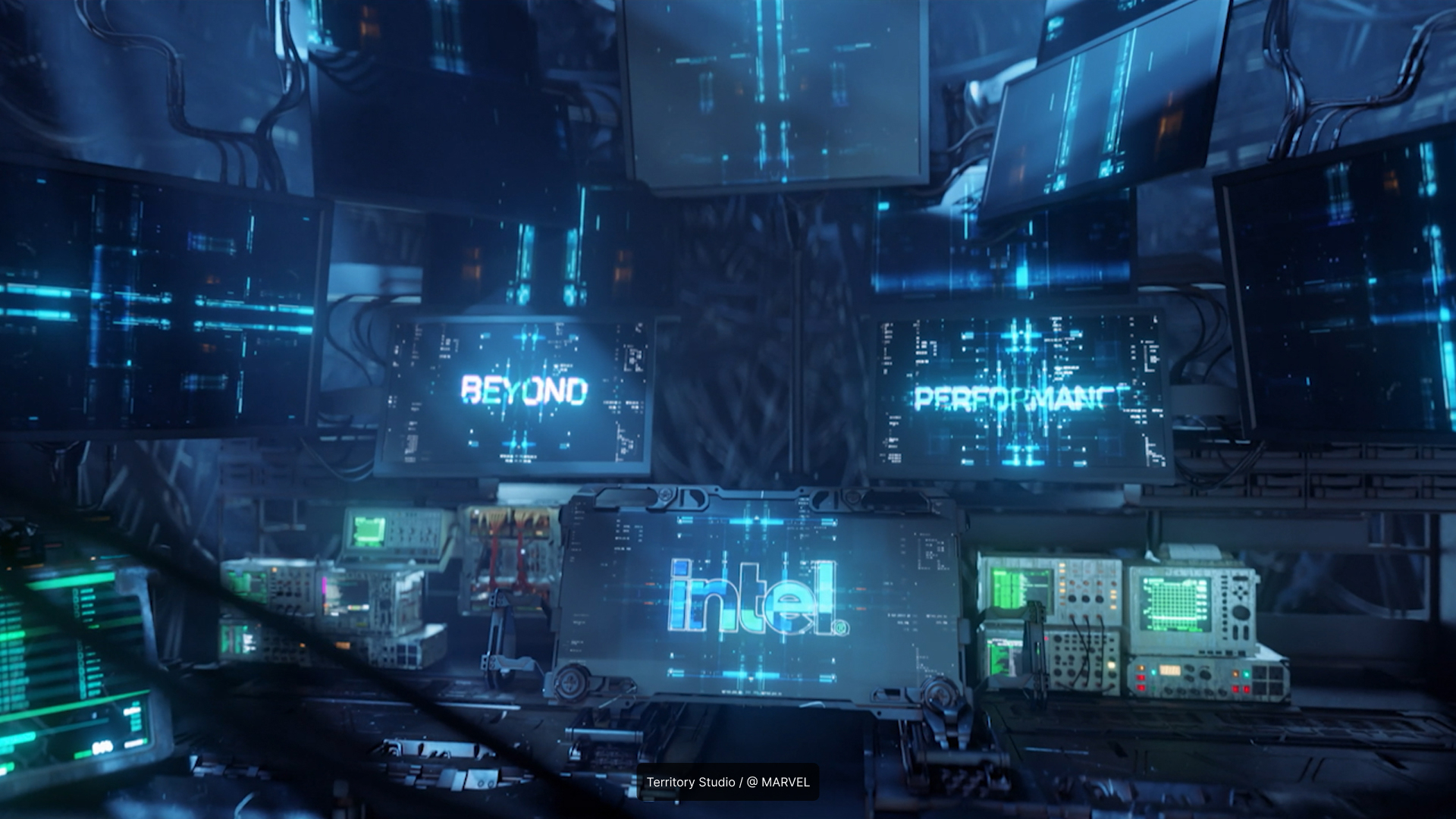
Territory Studio - Pacific Rim

Compositing

Integrate elements, match lighting, and finish shots that hold up on any screen.

Learn More
Compositing image
Keanu Visuals

Color Grading

Cinematic looks, film emulation, and finishing with Magic Bullet Looks.

Learn More
Color Grading image
Twofresh

Kinetic Typography

Animated text, transitions, and stylized type effects for dynamic titles and social content.

Learn more
Kinetic Typography image
Perception @amazon MGM Studios

Tutorials

Get started with tutorials and courses from Cineversity and the Red Giant community.

Maxon One

Maxon Z Brush Mark Primary 200px
Sculpt in ZBrush

Industry-leading organic sculpting for characters, creatures, and high-detail assets.

Maxon Cinema 4 D Mark Primary 200px
Animate in Cinema 4D

Professional 3D modeling, animation, simulation, and motion graphics.

Maxon Redshift Mark Primary 200px
Render in Redshift

GPU-accelerated production rendering with artist-friendly controls.

Maxon Universe Mark Primary 200px
Stylize in Universe

Professional visual effects, transitions, text animation, and finishing tools for motion graphics and video editing.

Maxon Red Giant Mark Primary 200px
Finish with Red Giant

Colour grading, compositing effects, and motion graphics finishing for Autograph, After Effects, Premiere Pro and others.

Maxon Autograph Mark Primary 200px
Composite in Autograph

2D Motion graphics, VFX compositing, and social media graphics across industries. Optimized for speed and automation.

Maxon Capsules Mark Primary 200px
Find Assets with Capsules

Browse and download curated materials, models, presets, and templates to accelerate your creative workflow.

Maxon Cinebench Mark Primary 200px
Test hardware with Cinebench

Industry-standard CPU and GPU benchmarking to measure performance for 3D rendering and creative workloads.

Maxon Cineware Mark Primary 200px
Import scenes with Cineware

Seamlessly transfer Cinema 4D scenes into Adobe applications with live updates and native asset support.

Maxon Moves Mark Primary 200px
Capture motion with Moves

Capture facial performance and body motion to drive expressive character animation and motion graphics.

What is Red Giant?

Red Giant is a professional toolkit for motion graphics, visual effects, and video post-production from Maxon. Red Giant runs as plugins inside applications like After Effects, Premiere Pro, and DaVinci Resolve, adding particles, color grading, keying, lens flares, text animation, and finishing tools to the software you already use.

What is Red Giant used for?

Motion designers, VFX artists, and editors use Red Giant for the finishing work that shapes how a piece finally looks and feels. This includes broadcast graphics, title sequences, brand animation, color grading, greenscreen keying, shot cleanup, and stylized effects. Red Giant’s compositing tools help creators iterate on ideas quickly and help each element sit naturally in the shot.

What software does Red Giant support?

Red Giant tools run in Adobe After Effects, Premiere Pro, DaVinci Resolve, Apple Motion, Final Cut Pro, Avid Media Composer, Autograph, and Cinema 4D. Check the requirements page for the per-tool compatibility matrix.

What tools are included with Red Giant?

A Red Giant subscription includes the full toolkit: particle and 3D effects like Trapcode Particular and Form, Magic Bullet Looks color grading, keying and VFX tools including Real Lens Flares, motion graphics and text animation tools, transitions, and the Maxon Studio template library, plus a growing set of Capsules assets.

Is Red Giant good for beginners?

Yes. The tools produce professional results from sensible defaults, and every preset stays fully editable as your skills grow. Cineversity training is included with your subscription.

How is Red Giant different from stock templates?

Templates give you someone else's finished look; Red Giant gives you the tools that made it. Start from a preset if you like, then push every parameter until the result is unmistakably yours.

Does Red Giant work with Cinema 4D and Redshift?

Yes. Red Giant is the finishing layer of the Maxon ecosystem: animate in Cinema 4D, render in Redshift, then grade, composite, and stylize the output with Red Giant tools.

What is Maxon One?

Maxon One is a subscription bundle that includes Red Giant, Cinema 4D, Redshift, ZBrush, Capsules, and Cineversity training, making it a complete 3D and motion design pipeline in one plan.
Contact Sales >

Red Giant tools run on Windows and macOS inside supported host applications, including After Effects, Premiere Pro, DaVinci Resolve, Final Cut Pro, Avid Media Composer, Autograph, and Cinema 4D.

Looking for the full host and version compatibility matrix?

Download the Maxon App to start your 14-day free trial. Every trial includes Red Giant, Cinema 4D, Redshift, and the full Maxon One suite.