Award-winning MoGraph tools, fast GPU rendering, and an asset library updated monthly, plus native support for After Effects and Premiere Pro plugins.
See motion design workflows

Already Been Chewed

Maxon One offers a complete 3D production pipeline: sculpt, model, animate, render, and finish inside one connected ecosystem. Create characters, motion graphics, VFX, product, and architectural visualizations, and integrate assets and materials across mobile and desktop without friction. Maxon One includes ZBrush, Cinema 4D, Redshift, Autograph, Red Giant, and Universe.
To use Maxon One you will have to register for a MyMaxon account and accept our EULA. *Includes five (5) Team Render nodes for Cinema 4D. Redshift will Team Render using CPU only unless a separate Redshift license is available per Team Render node.
Award-winning MoGraph tools, fast GPU rendering, and an asset library updated monthly, plus native support for After Effects and Premiere Pro plugins.
One comprehensive suite from sculpting to rendering to post, so you stop switching tools and reconciling formats mid-project.

ZBrush, the Academy Award®-winning tool for high-resolution sculpting, feeds straight into rendering and animation.

Art-directable pyro, particles, and simulation, plus a flexible render-pass system for compositing 3D and footage.

Red Giant and Universe finishing, color, and effects that plug into your existing NLE.

Standardize one toolset across departments for consistent pipelines and predictable licensing.


All your tools, accounts, and customer support in one easy-to-find place. No need to juggle multiple billing cycles and manage several disconnected accounts.

Move assets, materials, and scenes between apps without re-exporting or rebuilding. Fewer round trips, fewer broken files.

Maxon One includes access to the ever-expanding Capsules library containing thousands of customizable assets and templates.

Every new release across all six tools comes with your subscription. No upgrade fees, no version lock-in.

Get access to training and support with the individual approach to your workflow and production pipeline.
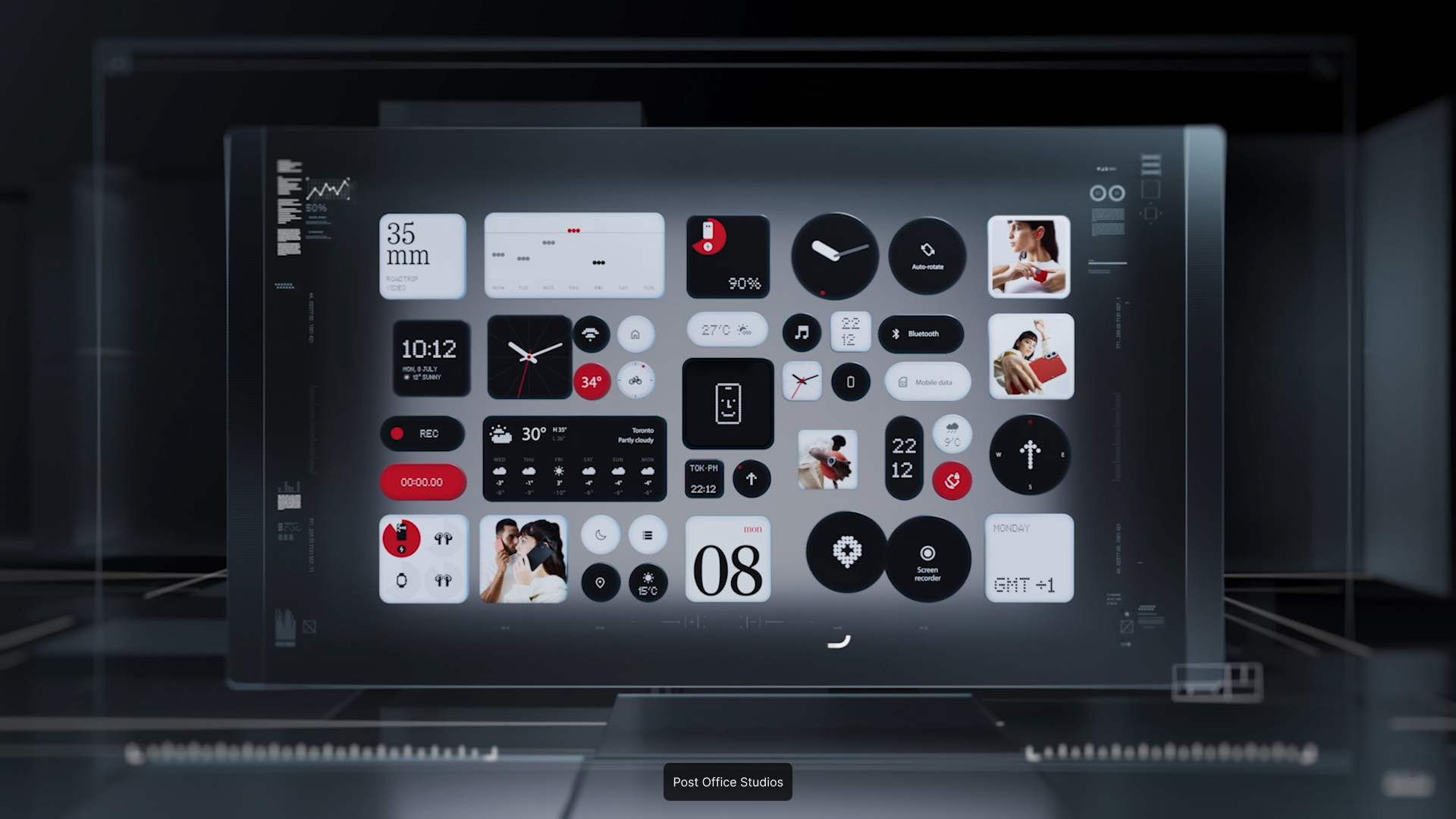
Maxon One gives you a complete 3D and motion design pipeline in one subscription.
Build to seamlessly integrate into your production pipeline

Digital sculpting, modeling, and painting.

Professional 3D animation and modeling.
Professional 3D animation and modeling.
Motion design and VFX compositing hub.

CPU and GPU-accelerated 3D rendering.
Architectural visualization
rendering.
Achieve More with your Maxon One Tools
Maxon One continues to enhance workflows, broaden creative horizons, and improve performance across its ecosystem. Cinema 4D introduces a Scatter System for populating scenes with assets, Liquid FX for more realistic fluid simulations, and workflow improvements across modeling, node editing, and scene management. Redshift sees rendering and GPU performance upgrades, improved scalability, procedural fur tools, and expanded support for modern hardware. Red Giant offers exciting capabilities and enhanced control when creating realistic lighting, textures, and depth, with AI-powered true 3D-lighting and new light source types for Real Lens Flares. Universe receives Cinema 4D’s procedural noise patterns for creating distinctive textures. ZBrush streamlines professional workflows across desktop and iPad with an integrated UV Editor enabling artists to edit and create UVs within ZBrush on Desktop and support for 3D-Layers and Spotlight on the iPad. Autograph now supports a more connected pipeline with built-in MCP and the ability to copy/paste directly from Cinema 4D.
Industry Solutions
Creators and artists around the world love Maxon One for its all-in-one integration of 3D tools, which simplifies their creative process.
Create and animate characters, objects, and fully realized 3D worlds. Combine rigging, keyframes, procedural animation, and dynamic simulations, then render and composite your final shots in one connected workflow.

Build everything from detailed characters and creatures to products, props, and environments. Combine digital sculpting, polygonal modeling, and procedural tools to move freely from early concepts to production-ready 3D models.

Shape the mood, tone, and visual identity of every shot. Correct exposure and color, emulate film stocks, refine skin tones, reduce noise, and apply customizable cinematic looks directly in your editing timeline.

Combine footage, 3D renders, keyed subjects, and effects into one convincing image. Handle keying, tracking, light wrap, lens effects, shadows, reflections, and atmosphere without disrupting your existing workflow.

Turn real performances into animation-ready data using the iPhone you already have. Capture facial expressions and full-body movement, scan real-world objects, and transfer everything into Cinema 4D for faster, more natural animation.

Animate text, shapes, 3D objects, and visual systems for broadcast, advertising, film, and digital content. Build procedural animations that adapt quickly to revisions, render at GPU speed, and finish your work with integrated compositing and effects.

Transform raw footage into polished stories without leaving your preferred editing software. Add cinematic color, intelligent transitions, titles, particles, glows, distortions, and stylized effects directly in your timeline.

Create convincing effects from 3D asset creation and simulation through rendering, compositing, and color finishing. Combine digital elements with live-action footage and deliver production-ready shots, even when source material and deadlines are less than ideal.

Tutorials
Every Maxon One subscription includes Cineversity, Maxon’s official training platform, alongside tutorials, documentation, and an active creator community. Whether you’re expanding from one tool into the full suite or onboarding a team, there’s a structured path to get productive quickly.
EJ Hassenfratz

Ana Carolina

Maximus Raharjo

Maxon One covers the full 3D, motion design, and filmmaking pipeline, letting you sculpt, model, texture, rig, animate, simulate, render, composite, and color grade inside one connected set of tools. Artists use it for characters, motion graphics, VFX, product and architectural visualization, and more.
Download the Maxon App to start your 14-day free trial of Maxon One. With the Maxon App you can install, use, or try all of our products. Learn more here.
Every Maxon application comes in the plan: Cinema 4D, ZBrush, Redshift, Red Giant, Universe, and Autograph, plus the Maxon Capsules asset library, Cineware, and Cineversity training.
Yes. You can start in whichever application fits your current work, then grow into the rest as projects demand without buying another license. Cineversity training is included to help you get productive in each tool.
Yes. Studios and independent professionals rely on these tools across film, VFX, games, broadcast, advertising, and design. Check out our customer stories for insight into how artists and studios run whole productions through Maxon One.
See current pricing for individual (one to four licenses) and team plans (more than four licenses). If you’re interested in volume and enterprise licensing, contact our sales team. For students, teachers, and institutions, education pricing is also available.
Maxon One runs on one activated computer at a time, and the applications in the plan can’t be split across separate machines.
Maxon One is compatible with most of the latest versions of macOS and Windows, including Windows on Arm (WoA). ZBrush for iPad extends sculpting to iPad. For per-product detail, check out our list of system requirements.

Download the Maxon App to start your 14-day free trial of Maxon One. With the Maxon App you can install, use, or try all our products.
Contact us for any inquiry for you or your team.