Seamless integration
Redshift for Archviz integrates with your favorite BIM software as a native plugin, allowing you to instantly preview, refine and create realistic architectural renderings in a single environment.


Turn architectural plans into beautiful spaces with GPU-accelerated rendering and an expanding library of high-quality assets.
To use the application you will have to register for a MyMaxon account and accept our EULA.
What is Redshift?
Redshift is the modern archviz tool used by architects, interior designers and urban planners to create cinematic previews of architectural designs in real time.
Redshift for Archviz integrates with your favorite BIM software as a native plugin, allowing you to instantly preview, refine and create realistic architectural renderings in a single environment.
Instantly preview your designs and architectural renderings in the BIM software of your choice with cinematic quality. View changes to your 3D models reflected in real-time, with accurate lighting, materials, and environmental effects. Ideal for quick design decisions and client presentations.

Redshift for Archviz is available for Windows and Mac, enabling architects to use advanced visualization features wherever they work.

The AI-powered context aware Library Search in Redshift for Archviz allows architects to quickly fill their project with assets that match. Use it to quickly furnish interiors and exteriors with high-quality assets to enhance your architectural renderings with cinematic detail. The integrated asset library offers a drag-and-drop ready assortment of furniture, vehicles, realistic plants, and characters that easily snap into place and interact naturally with surfaces. The AI-powered Asset Search works completely offline and no data is transmitted.


Create natural, photorealistic images with a camera that works like a real one. Automatic exposure provides a balanced starting point, while controls for perspective, focal length, exposure, and depth of field allow precise fine-tuning. Redshift’s fully ray-traced lighting and reflections respond in real time, making photorealistic results easier to achieve.
Users of Redshift can use high-quality, photorealistic vegetation right inside of their scene thanks to Redshift’s deep host integration.


Easily adjust the time of day, sun position, and sky conditions to see how natural light interacts with your design. Whether it’s morning, sunset, or overcast skies, simulate realistic lighting scenarios to match any location or season.
Precisely control cloud coverage and simulate clear blue skies to overcast conditions. Add different types of clouds and adjust wind speed and direction. This allows you to visualize how clouds affect natural light, shadows, and the overall mood of your architectural rendering.


The Scatter tool in Redshift for Archviz allows architects to populate their environments with vegetation, rocks, and other assets quickly and realistically. Use the Frequency Control to fine-tune the distribution of individual assets for more natural results, while Exclusion Lists allow you to quickly remove scatter from specific areas without modifying the underlying geometry by saving time and giving you greater creative control.
Bring your architectural rendering to life using our library of physically accurate materials. From polished concrete and brushed metal to glass, wood, and textiles, each material responds naturally to light and environment. Materials can easily be applied, adjusted, and previewed in real-time.

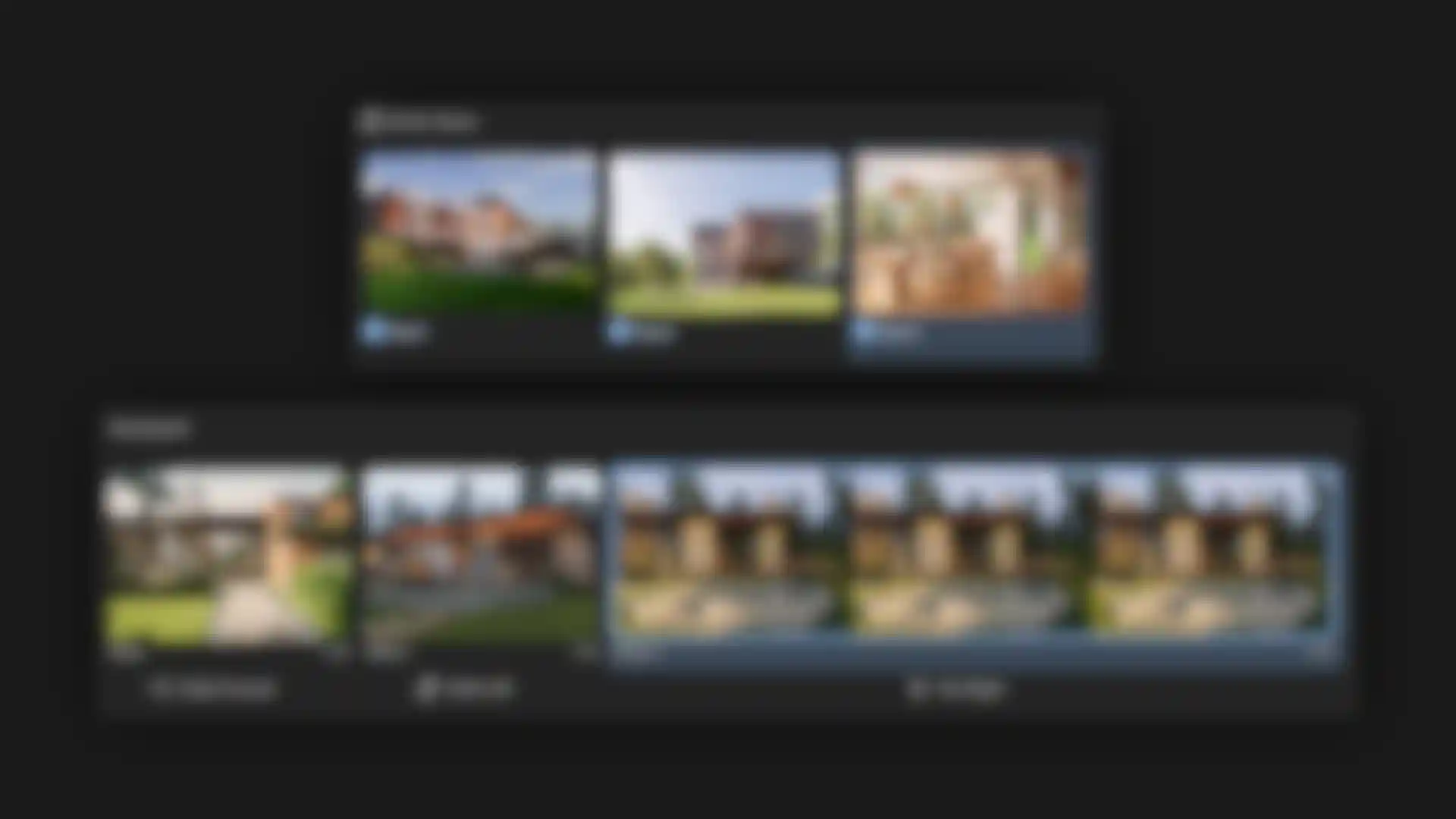
Turn your project into a compelling visual story using saved scene states. Each Stored View captures a complete setup, including design states, lighting conditions, camera position, and settings. Use the Storyboard to arrange these views as slides, set their duration, and add camera movements. Preview the complete sequence in real time or queue selected views and animations for final rendering.
Achieve consistent visual styles by quickly applying predefined post-processing looks to renders and animations. For more creative freedom, you can also create, save, and reuse your own custom presets.

Begin your Revit journey with a guided introduction to the software's workspace, tools, and fundamental concepts. In this first lesson, the team at Balkan Architect walks you through the interface and navigation essentials.

Get familiar with the Redshift interface inside Vectorworks and learn where to find the key controls. Jonathan Reeves provides a quick orientation so you can get up-to-speed in no time. Get started today and start using Redshift for Archviz.
“Redshift empowers architects to translate design intent into stunning, photoreal visuals quickly, accurately, and without breaking creative flow.”
Jonathan Reeves
Learn how Redshift helps our customers achieve stunning architectural renderings.
How atelier 522 redefined Bette’s brand identity by bringing its technical mastery to life through rich interior design visualizations.

Animation Studio Fuchs & Vogel share their workflows and tips for creating outstanding architectural visualizations.

How Kutuko Studio brought Philips lighting to life in dynamic bathroom spaces.
As your architectural scenes grow in ambition, Redshift's expanding asset library gives you a powerful head start. A growing collection of high-quality materials, lights, and customizable assets lets you populate scenes faster while maintaining physical accuracy and visual consistency. These assets are optimized for performance and realism, with advanced shading capabilities and accurately detailed materials like glass, metal, plastic, paint, and more.

Cinema 4D is a leading 3D design tool that allows architects and motion design artists to build animations and simulations with architectural and interior design scenes, making them a memorable, immersive experience.
Answers to common questions about using Redshift in BIM visualization workflows.
Redshift is a GPU-accelerated, physically based renderer used to create high-quality, photorealistic images from BIM models. When paired with supported BIM software, Redshift enhances the speed of development with real-time visualization. When your project is nearing completion, use Redshift for final-quality imagery, client presentations, and marketing visuals while maintaining a strong connection to the underlying BIM project.
Redshift is optimized for modern GPU hardware. On Windows systems, it requires an NVIDIA RTX graphics card. On macOS systems, Apple Silicon hardware (M3 Pro, M4 Pro or higher) is required. A capable GPU significantly improves performance, responsiveness, and final render quality. GPU acceleration is central to Redshift’s speed and scalability advantages. See Requirements details.
Redshift includes a library of physically accurate materials that can be applied to BIM geometry to achieve realistic surface behavior under real-world lighting conditions. These materials are designed to handle reflections, transparency, and roughness correctly, making them well suited for architectural finishes such as glass, metals, stone, and coatings. Materials from BIM software can often be converted or replaced with Redshift materials, allowing users to balance ease of use with higher visual fidelity.
Redshift is particularly well suited for architectural lighting scenarios, including daylight studies, artificial lighting design, and interior visualization. Its global illumination system produces natural light bounces and accurate shadowing, helping spaces read more realistically. When combined with physically based lights and real-world exposure values, Redshift delivers predictable results for both interior and exterior scenes across BIM-driven workflows.
Yes, our Redshift for archviz plugin allows you to export projects directly to Cinema 4D. Geometry, materials, cameras, and basic lighting typically transfer well, allowing users to continue refining scenes, materials, and lighting at a higher level of control. Within Cinema 4D you can add animation and simulation to take your project further.
Animating a scene or creating a simulation in Cinema 4D can be accomplished through a variety of tools designed for motion graphics, visual effects, and character animation. Basic animation typically begins with keyframes, where you can record changes to an object's position, rotation, scale, or other properties over time. For more advanced motion, Cinema 4D includes powerful simulation systems for rigid bodies, soft bodies, cloth, ropes, liquids, particles, and Pyro effects such as fire and smoke. You can create realistic physical interactions, dynamic destruction effects using MoGraph, or cinematic camera movements with spline paths and procedural motion controls. Simulations can be refined through settings such as gravity, friction, turbulence, viscosity, and collision behavior, then cached or baked for reliable playback and rendering. Cinema 4D provides a unified workflow that combines keyframed animation, procedural systems, and physics-based simulations to bring scenes to life. Learn more by visiting this getting started link.
Redshift for Archviz is available through the Maxon App and supports multiple integrations, including Vectorworks and Revit.
Installation Instructions
Once installed, launch your application and start using Redshift.
Yes, Redshift supports hardware raytracing on Nvidia Optix RTX, Apple METAL RT, and AMD HIP RT. It's especially valuable for architecture scenes with large volume of polygons (like foliage) and geometrically complex scenes. This accelerates production rendering and final frame rendering.
Direct integrations
Available now for Vectorworks & Revit*.


Coming soon to Archicad.

* Revit is trademark of the Autodesk group of companies.
Maxon Computer Inc. is not affiliated with, endorsed by, or sponsored by Autodesk.

Experience cinematic quality paired
with real-time workflows.