Autograph的新特性
Autograph 2027.0
New – Release 2027.0
Autograph Agentic license
An Autograph Agentic license, which can be purchased separately, allows you to automate tedious tasks including batch ingest, setting up projects, organizing layers, or exporting projects for different formats via a dedicated headless instance of Autograph. You can continue to work as usual in Autograph using your primary license, while an agent controls its own instance of the software. Each of you can work separately, as you are no longer sharing your computer with the agent. Supported AI agents include Anthropic Claude Code (desktop app) and OpenAI ChatGPT and Codex (desktop app and CLI). Other MCP clients can connect, but Maxon hasn't validated them.
New – Release 2027.0
Autograph MCP 服务器
Autograph内置了MCP。该功能相当于一座“桥梁”,只需将其开启,Claude、ChatGPT等兼容的AI助手便可操作Autograph的各类工具。无论是想把重复性工作交由AI处理,还是尝试尚不熟练的创作表现手法,只要启用MCP,你就能牢牢掌握创作主导权,顺利将脑海中的想法落地成型。除此之外,若在Cinema 4D中同步开启MCP,还能让AI助手同时调用两款软件的工具协同工作。
New – Release 2027.0
从Cinema 4D复制粘贴
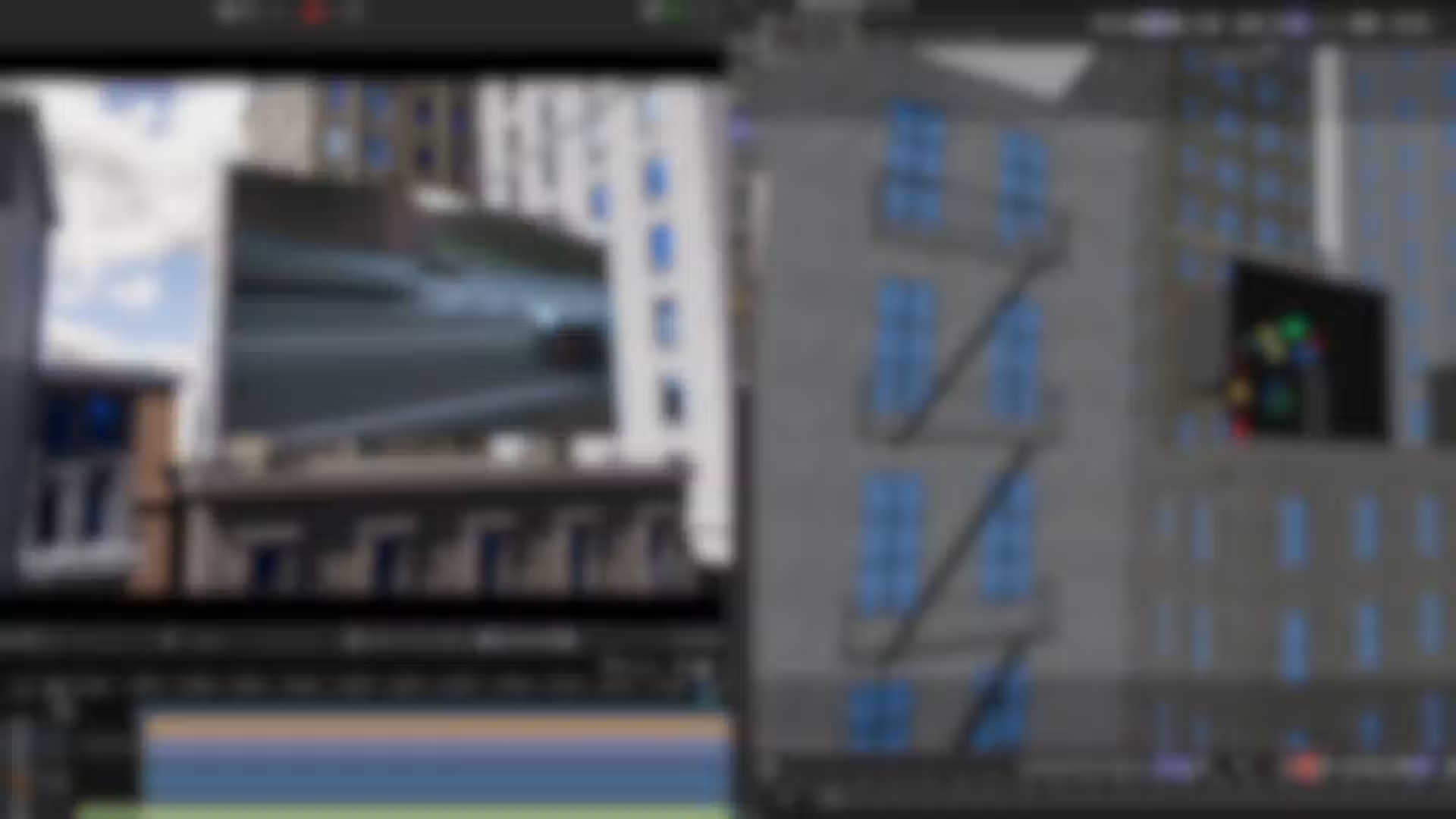
包含带动画的素材在内,所有3D素材均可从Cinema 4D直接复制粘贴至Autograph,实现无缝工作流程。借助这一新功能,用户能够在使用Redshift渲染的同一项目中调用Autograph的3D工作区,可互通相机、灯光、空物体、Autograph兼容基础几何体等各类3D素材。

New – Release 2027.0
支持Adobe字体库
Autograph的文本面板现已支持Adobe Fonts。无需更改字体环境,即可保持风格统一,持续推进项目制作。
New – Release 2027.0
平铺修改器的新增选项
平铺修改器新增了全新的方向模式与设置选项,能够以比以往更丰富多样的方式排布源图像副本。你既可以将延展范围限制在单一水平或垂直方向,利用无缝图像生成无限延伸的长条图案,也可自定义两个方向上的图像复制数量。


New – Release 2027.0
文本生成器优化
切换富文本模式与纯文本模式时会保留原有文本,文本内容可在两种模式间自动转换。在项目中添加、调整文本的操作将变得更加便捷。
New – Release 2027.0
竖排文本增强
最新版Autograph强化了竖排文字支持功能,新增数字自动竖中横排版、文字对齐与字距微调优化(紧排处理)、支持附带扩展选项的文本框等功能。软件对日文排版的调整操作变得更加简便,本次更新也是为全面适配各类竖排文字所开展优化工作的其中一环。

New – Release 2027.0
Maxon Studio 的停靠面板
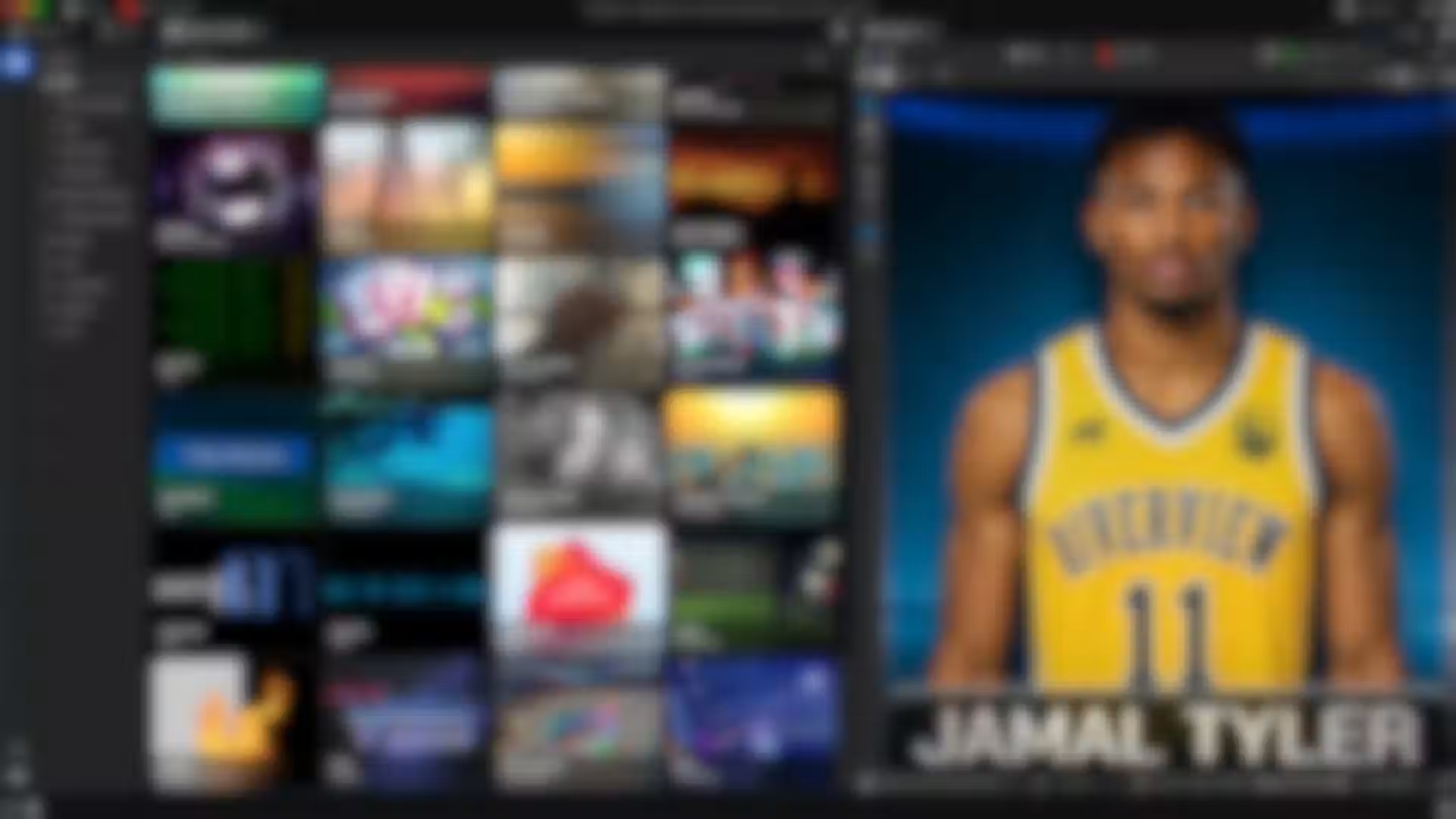
Autograph 2027.0 集成了 Maxon Studio 面板,可更便捷地调用包含插件预设在内的 Red Giant 工具。
New – Release 2027.0
新演示项目
欢迎页面提供了多款全新演示项目,你可以下载体验。这些项目专为帮助使用者掌握Autograph在大型广播项目中的实操用法而制作。