
ZBRUSH FOR IPAD
Sculpting Reimagined
Break free from the desktop!
ZBrush comes to iPad with a fully reimagined user interface and touch-based controls.
Plan includes
For upgrade pricing, floating licenses or volume license purchases please contact us. To use the application you will have to register for a MyMaxon account and accept our EULA.
*Legal Notice: ZBrush: Scientific & Technical Award, Academy of Motion Picture Arts and Sciences, 2013. Oscar® / Academy Award® is a registered trademark of the Academy of Motion Picture Arts and Sciences.
Join The Digital
Sculpting Revolution
The wait is over for ZBrush for iPad. ZBrush users have long been asking for a version they can take with them to make revisions on set, show art directors in-progress ideas for instant feedback, or just work where inspiration hits, like a coffee shop or the couch. Created by artists for artists, ZBrush for iPad is revolutionizing digital sculpting by making it possible to take the power of Academy Award®-winning ZBrush on the go to sculpt, paint, and bring creations to life anywhere in real time with Apple’s touch-based capabilities!

What's New
Using ZBrush for iPad in your existing pipeline is now easier than ever. Enjoy your shortcuts, your way, with new custom hotkeys! Seamlessly transition between iPad and desktop for faster sculpting with identical controls. Easily load and save, share with, and import into ZBrush desktop—same shortcuts, same speed.

ZBrush for iPad and Maxon One
A sought-after addition to the Maxon One suite of tools, ZBrush for iPad allows users to create objects, creatures, characters, and much more before adding them easily to any 3D project. Maxon One’s seamless file exchange process allows for efficient workflow that doesn’t interfere with creativity, and ZBrush for iPad is also compatible with many other applications.
Improved User Experience with Apple Capabilities
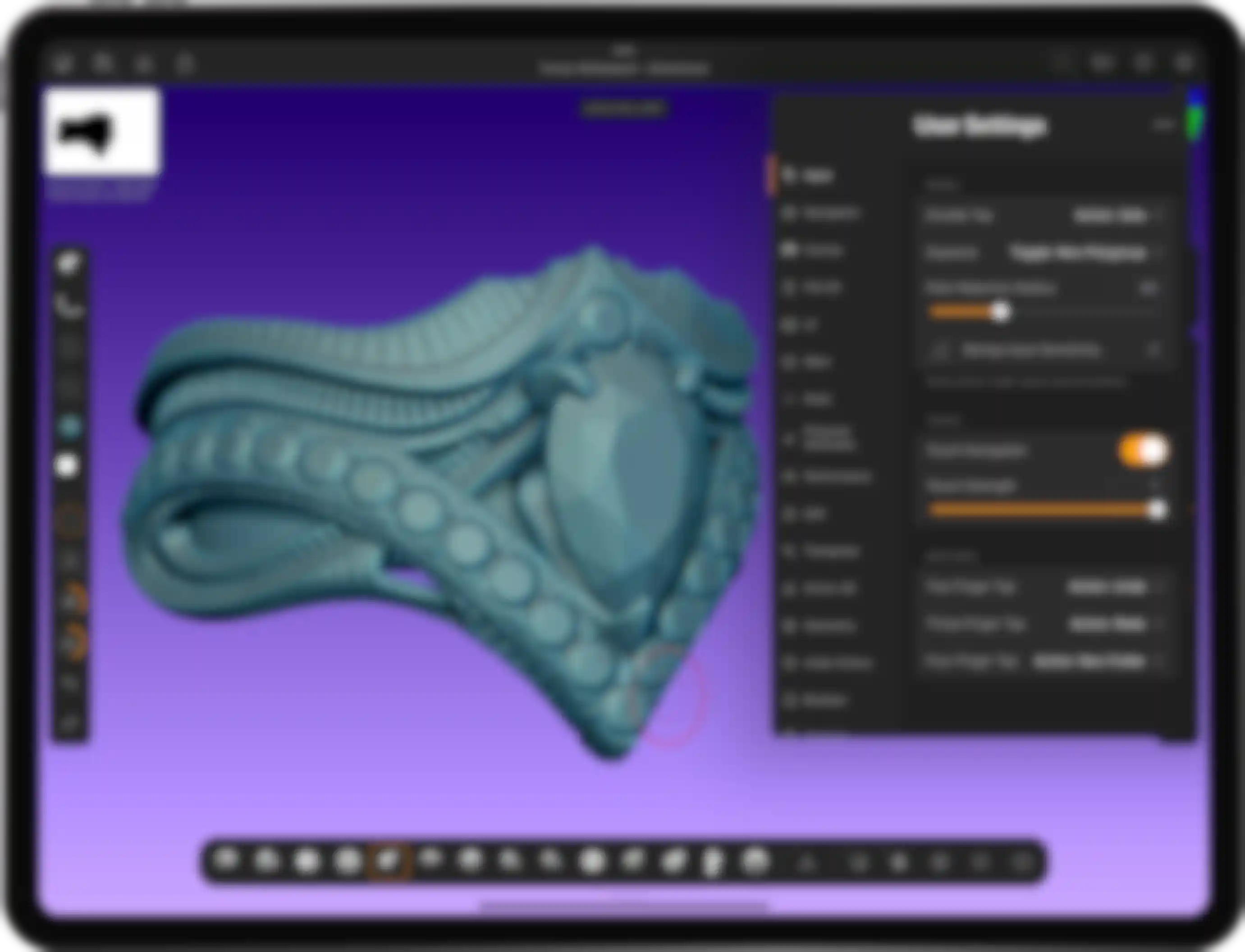
ZBrush for iPad’s innovative UI design allows you to take advantage of Apple’s well-known, user-friendly touch capabilities. Pros and new users can easily use finger swipes and other gestures they already know to control common features, such as draw size, focal shift, undos and redos. Multiple Apple pencil features can also be used for a more immersive digital experience that speeds up the sculpting process.

Leading Brush System for Sculpting
ZBrush for iPad includes the desktop version’s collection of over 200 proprietary brushes, so sculpting millions of polygons is as natural as sculpting with clay without the limitations of needing to work at a desk.
Highly Customizable User Interface
ZBrush for iPad’s highly customizable user interface expands on the desktop version’s QuickMenu, making it easy to arrange sculpting tools for a more optimized, personal experience. And it’s also possible to customize the Apple Pencil double tap or Pencil Pro squeeze to complete an action, like framing a mesh in the document or turning on PolyGroup. Additionally, artists can put their favorite brushes, materials, alphas, and textures in the bottom bar for easy access to stay immersed in the sculpting experience.


High Polygon Count
Sculpt on the go without sacrificing polygon count! ZBrush for iPad offers the same level of detail as ZBrush desktop, depending on your iPad’s memory and version. The latest M4 iPad with at least one terabyte (TB) of storage, for example, can reach up to 92 million polygons per mesh.
Adding more Features from Desktop
ZBrush for iPad includes nearly all the power of the full desktop application, and we’re continuing to close the gap by adding more popular features from ZBrush desktop, including:
- Custom hotkeys
- Retopo Brush
- Photogrammetry
- 3D printing features (3D Print Hub, Scale Master)
- ZModeler
- UV Master
- Mask Adjust feature

Desktop & iPad
Roundtrip
Maxon One and ZBrush subscribers can streamline workflows by transferring ZTool (ZTL) and ZProject (ZPR) files between iPad and desktop version seamlessly. GoZ can also be used to move files easily between versions with one click.
Artist: Markus Haertel
- Sculpt inspired from the 2D concept of: Jordi Villaverde -

Used by Professionals Around the World
Creativity isn’t bound by time and place. With ZBrush for iPad, it’s possible to concept and create anywhere, anytime, which comes in handy in today’s world where teams are often collaborating from locations around the world.

Featured Artists
See what artists have been creating with ZBrush for iPad.
Artist Interviews
Watch our artist interviews and learn how industry professionals bring their visions to life with ZBrush for iPad.

Pricing Options
ZBrush for iPad is now included with all ZBrush and Maxon One subscriptions, and it’s also available as a stand-alone subscription. And for anyone who wants to try the world’s leading digital sculpting application, there's also a free version. Both versions are available on the App Store, and the robust free version includes an introductory set of 28 of the most popular brushes and limited features for tools like Dynamesh, SculptrisPro, ZSpheres, and ZRemesher.
