Quando la vita ti dà limoni, crea un fantastico Mograph Ecco come lo studio Yes Captain ha salvato la sequenza di apertura del NodeFest 2025.
Workflow e risultati del progetto
Gli organizzatori del NodeFest, Yes Captain, hanno avuto 3 settimane per elaborare la sequenza di apertura quando lo studio incaricato del lavoro si è tirato indietro all’ultimo minuto. Hanno così pensato di sfruttare il poco tempo disponibile a loro vantaggio, ricreando l'effetto tipico dei previz/animatic, usando principalmente il rendering della viewport di Cinema 4D, e scegliendo una palette di colori minimalista per definire l'atmosfera. Grazie a Sparc3D hanno generato rapidamente modelli 3D con diversi effetti e utilizzato DaVinci Resolve e Fusion per il montaggio e la motion graphics. Nonostante le difficoltà, Yes Captain ha creato qualcosa che i partecipanti al NodeFest hanno accolto con entusiasmo.
Paradossalmente, ci è stato detto di aspettarci l'inaspettato, dato che le cose non sempre vanno come previsto. Quando gli organizzatori del NodeFest Yes Captain hanno scoperto che lo studio incaricato di creare la sequenza di apertura per NodeFest 2025 si è tirato indietro all'ultimo minuto, si sono riuniti per un salvataggio epico.
Dal 2015, lo studio australiano Yes Captain crea progetti di motion graphics per clienti come Specsavers, University of Melbourne e Luna Park. Tutta la loro esperienza si è rivelata utilissima quando hanno accettato di creare la sequenza di apertura del NodeFest 2025 in sole 3 settimane, organizzando contemporaneamente l'intero evento.
Abbiamo parlato con James Cowen di Yes Captain di come lui e il suo team abbiano sfruttato il poco tempo disponibile per trovare una soluzione creativa che mettesse l'animazione in primo piano.
Parlaci di Yes Captain e del tipo di lavoro che fate.
Cowen: Yes Captain è nato come studio di animazione nel 2015, ma da quando abbiamo iniziato il NodeFest questo è passato un po' in secondo piano. Abbiamo passato gran parte degli ultimi anni ad occuparci di sviluppo web e software. Uno dei nostri progetti più importanti è stato NodePro, una piattaforma dedicata ai talenti volta a promuovere i motion designer australiani e neozelandesi, nonché sito gemello di NodeFest). Dare voce all'industria locale è stato molto più gratificante di qualsiasi progetto di motion.
Come vi hanno coinvolti nell'organizzazione del NodeFest?
Cowen: Nel 2016 volevamo partecipare a eventi di design e motion design come Blend, F5, NAB e OFFF, ma erano troppo lontani. Non c'era nulla di simile in Australia o Nuova Zelanda, così è nato NodeFest. È iniziato in piccolo, con solo 170 partecipanti, crescendo rapidamente fino a superare i 500 nel 2019. Ora il pubblico non smette di chiamarla la "Festa di Natale" del settore dell'animazione.
Raccontaci cosa è successo e come avete pianificato il lavoro del tutto inaspettato della sequenza di apertura.
Cowen: Lo studio che inizialmente era stato ingaggiato per realizzare i titoli si è improvvisamente tirato indietro a 3 settimane dall'evento, così il mio piccolo studio, Yes Captain, ha dovuto darsi da fare organizzando al contempo tutto il NodeFest.
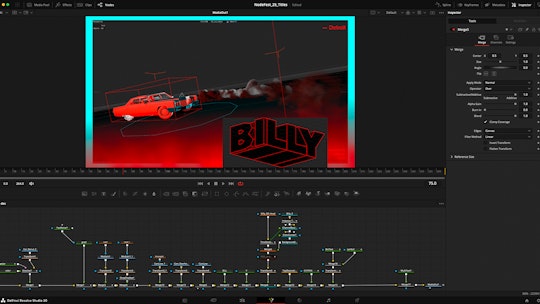
Abbiamo quindi cercato di capire quali elementi erano davvero necessari e cosa si poteva effettivamente realizzare in 3 settimane. Ci è venuta l'idea di far sembrare tutto un previz o un animatic, qualcosa di immediatamente riconoscibile da un pubblico appassionato di motion design. Quasi uno scherzo tra noi! Ma è incredibile quanta estetica si possa integrare in un rendering della viewport di Cinema 4D.
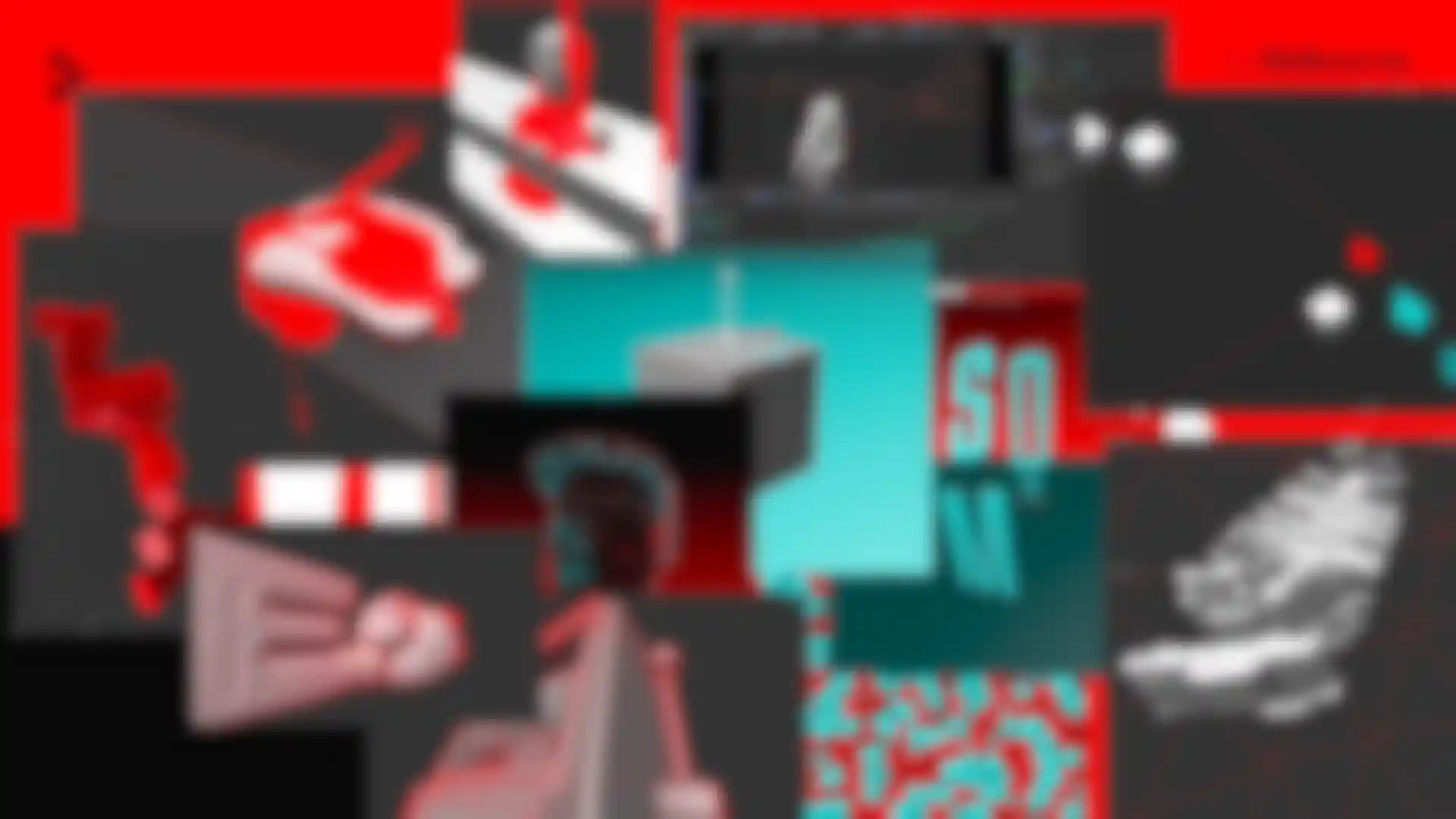
È stata una sfida nuova e divertente cercare di conferirgli un certo aspetto e seguire una determinata estetica e una specifica palette, anche se in genere non era stata progettata per questo.
Raccontaci il processo di creazione con Cinema 4D e altri strumenti.
Cowen: Abbiamo adottato un approccio molto iterativo. Volevamo sfruttare al massimo il tempo a disposizione e abbiamo deciso di usare il rendering della viewport di Cinema 4D per tutti gli shot, mantenendo tutto simile a un rendering animatico in stile wireframe lo-fi. Abbiamo mantenuto la palette colori minimalista e in linea con i colori del festival. Abbiamo persino cambiato le impostazioni della viewport in Cinema 4D per adattarla (e ora non sappiamo più tornare indietro). Questa strategia ci ha permesso di muoverci rapidamente.
“È incredibile quanto si possa ottenere dal rendering della viewport di Cinema 4D!”– James Cowen
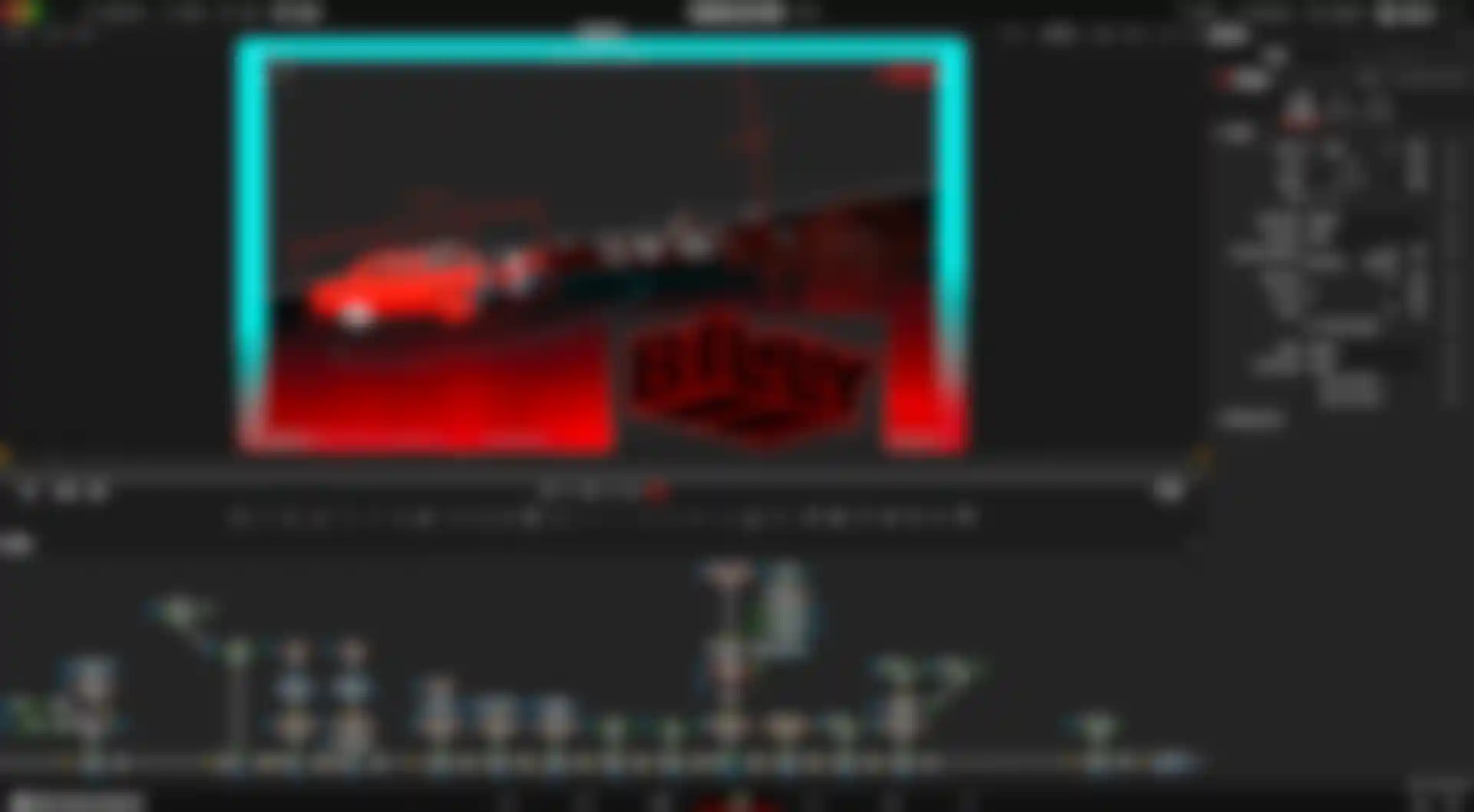
Abbiamo effettuato l'editing in DaVinci Resolve e il compositing in Fusion. Abbiamo sperimentato idee e tipi di inquadrature in velocità, trasferendo nuovi render OpenGL su DaVinci Resolve per capire cosa funzionasse meglio. È incredibile quanto si possa ottenere dal rendering della viewport di Cinema 4D.

Qual è stata la vostra esperienza nell'usare strumenti AI per mettere insieme il progetto?
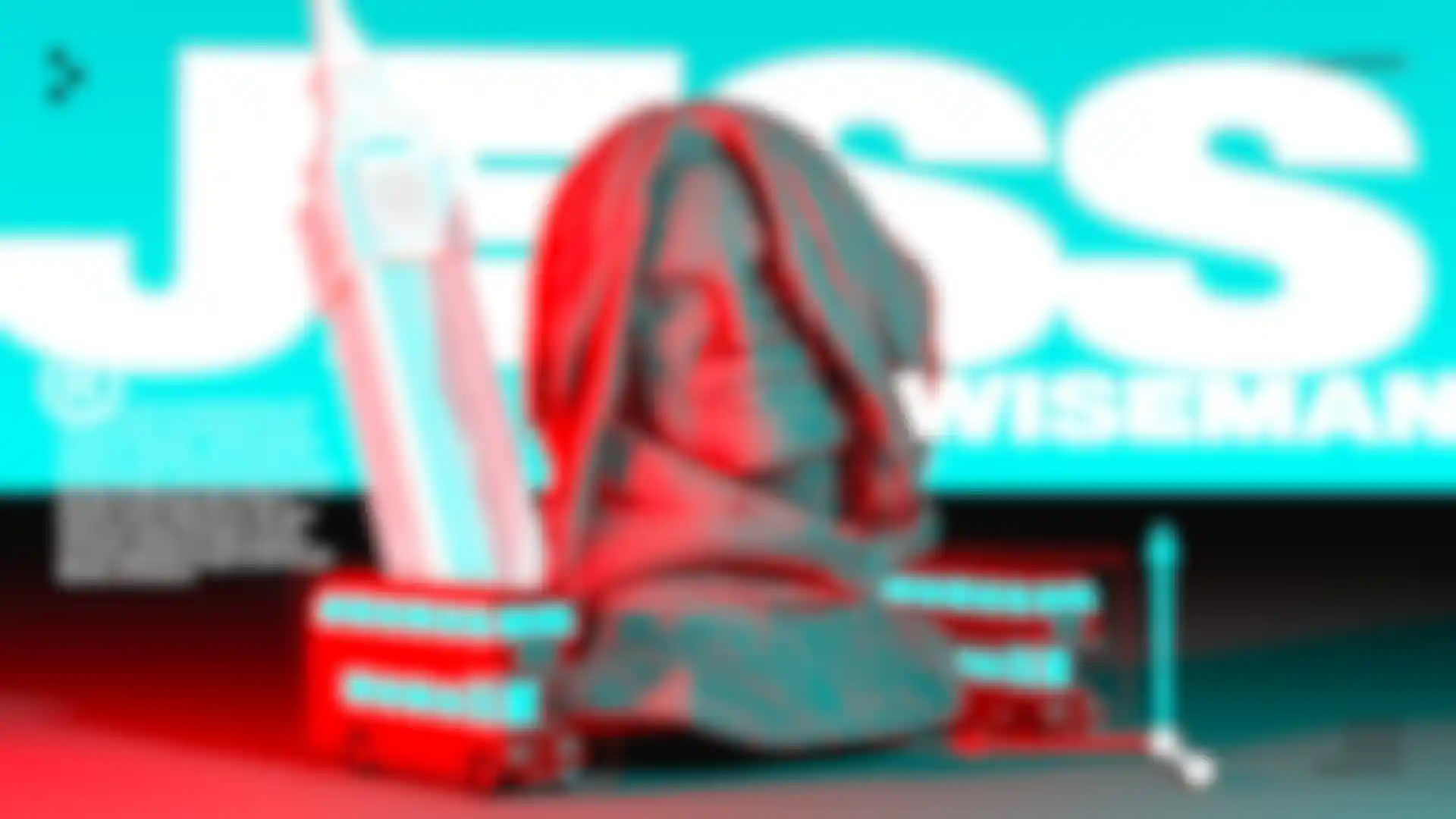
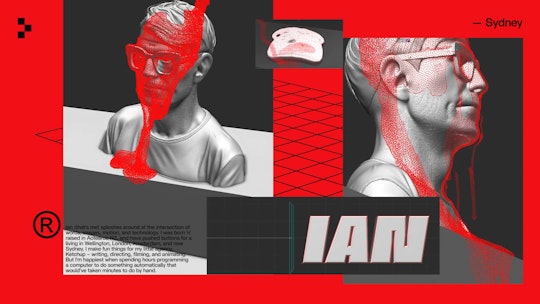
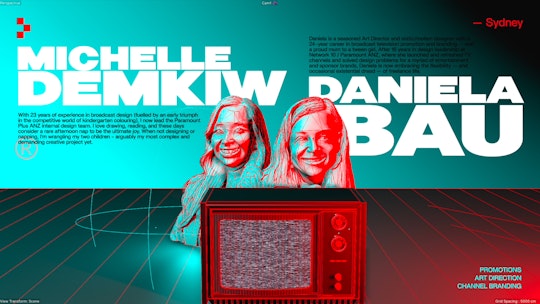
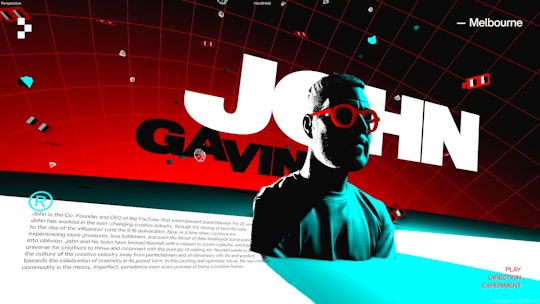
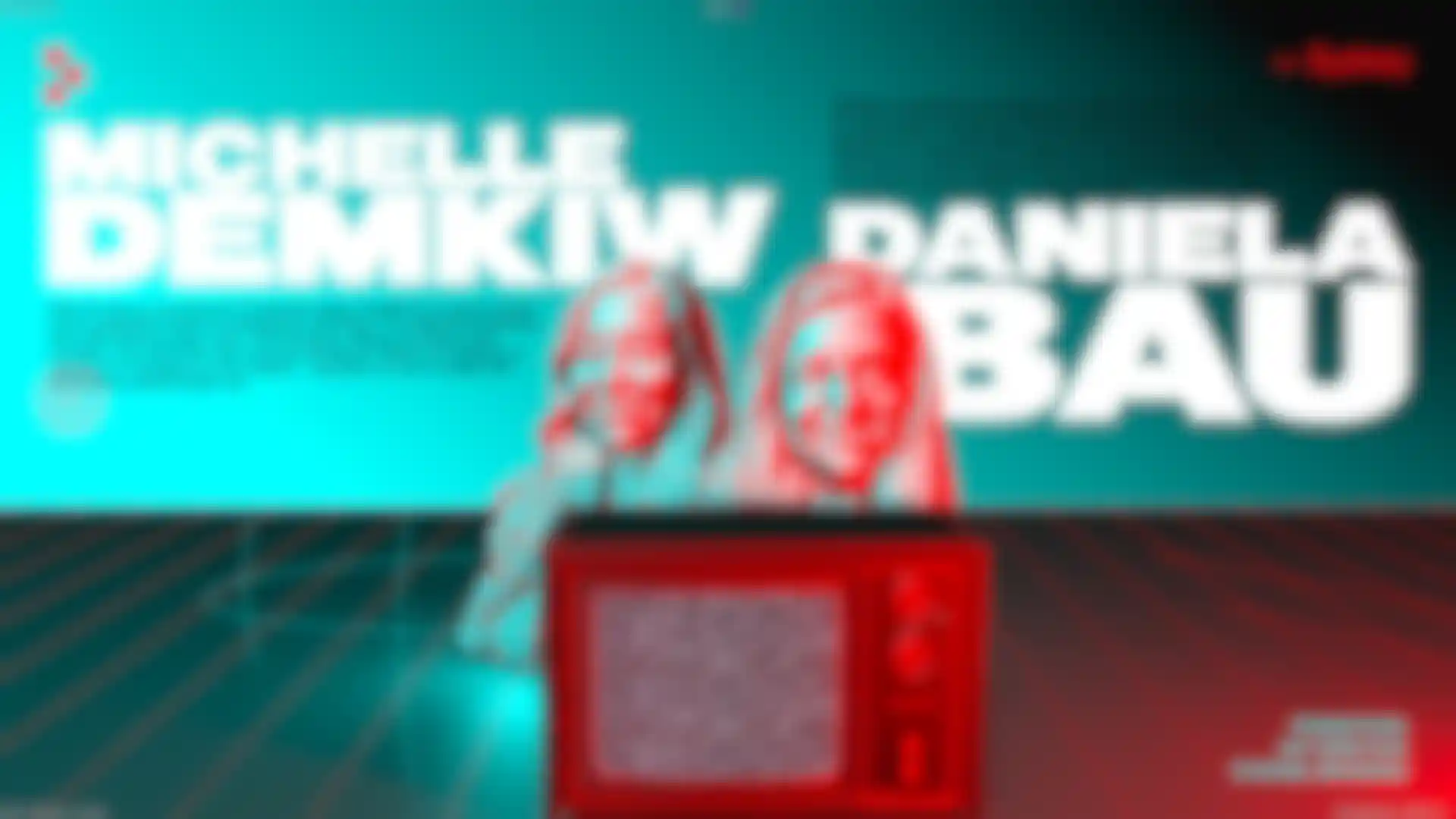
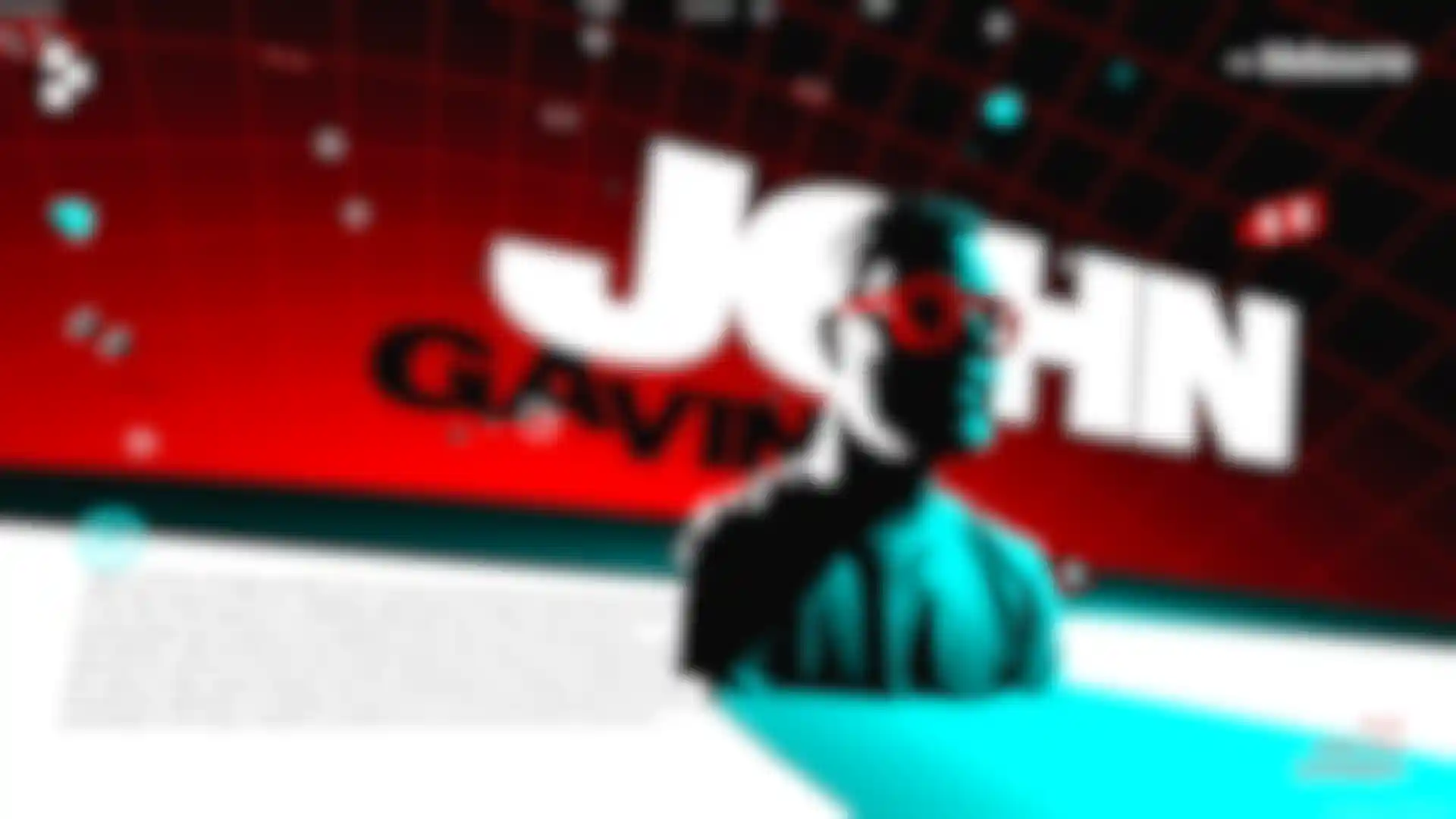
Cowen: Il nostro concept per i titoli era mostrare dei modelli 3D del viso di ciascun presentatore. Per fare questo ci siamo affidati a Sparc3D, uno strumento gratuito di generazione di modelli 3D basato su AI. Ci ha permesso di creare modelli 3D delle facce dei presentatori a partire da singole foto. Non saremmo stati in grado di modellarli da zero nei tempi previsti e senza un budget adeguato. Lo strumento tuttavia accettava solo una foto, e i risultati erano altalenanti: nulla può eguagliare il lavoro di un artista che realizza un modello accurato! A volte ottenevamo dettagli incredibili, a volte occhiali completamente diversi.
Ogni presentatore aveva fornito la foto usata nel digital marketing tradizionale dell'evento, quindi abbiamo usato la stessa immagine per caricarla su Sparc3D. A volte bisognava aspettare a lungo perché c'era molta gente in coda, dato che il software è gratuito. E non potevamo chiudere il browser!
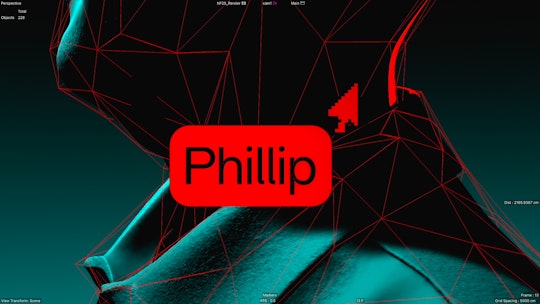
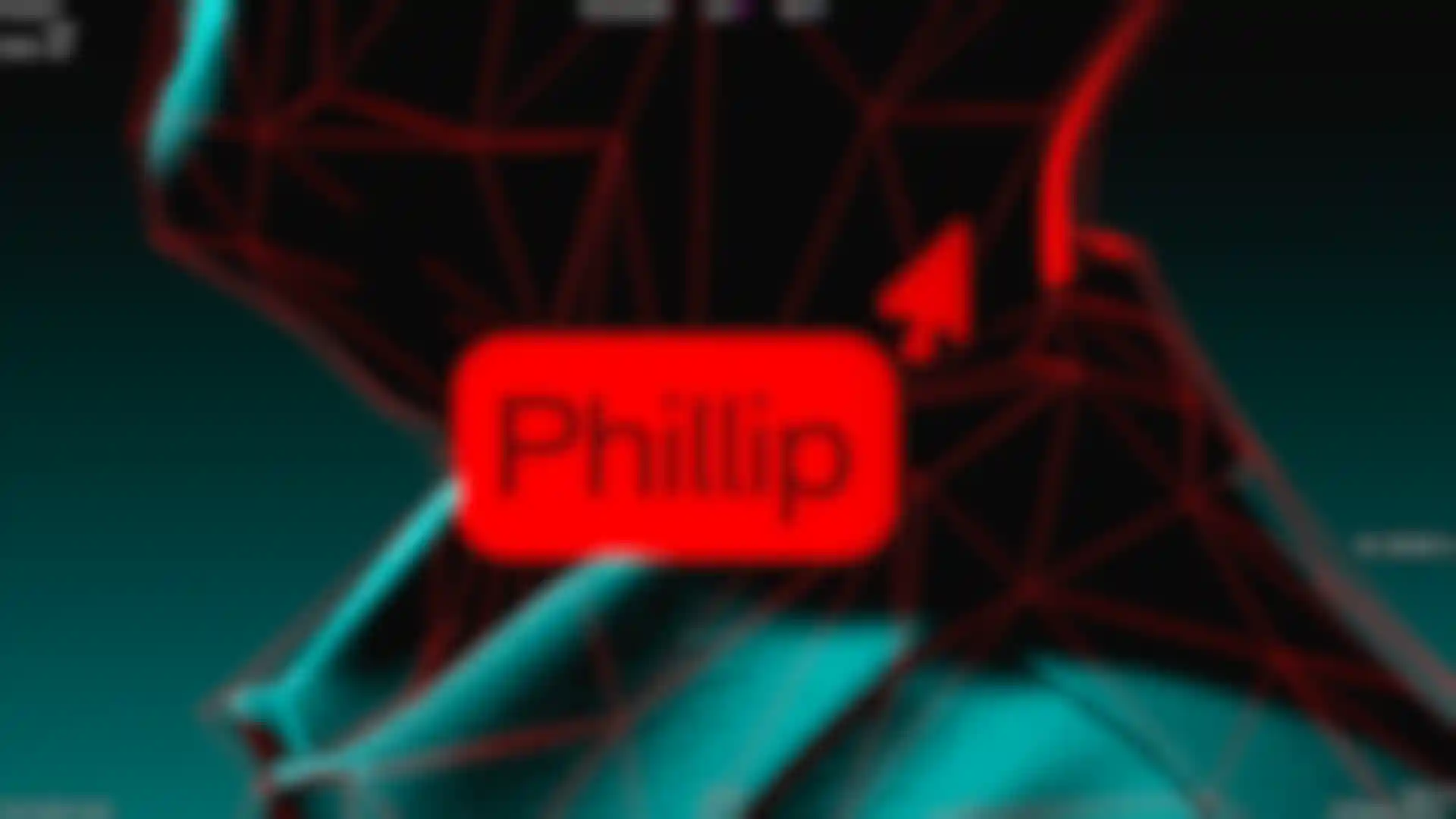
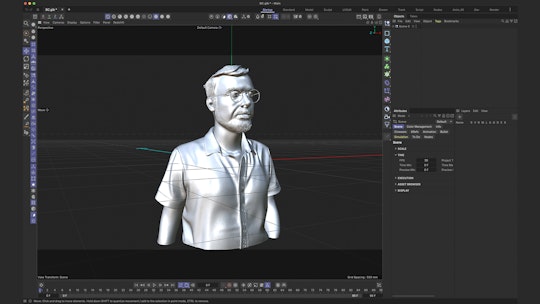
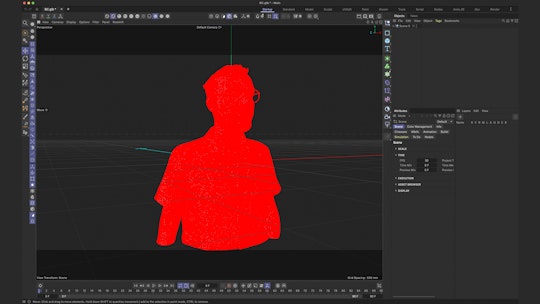
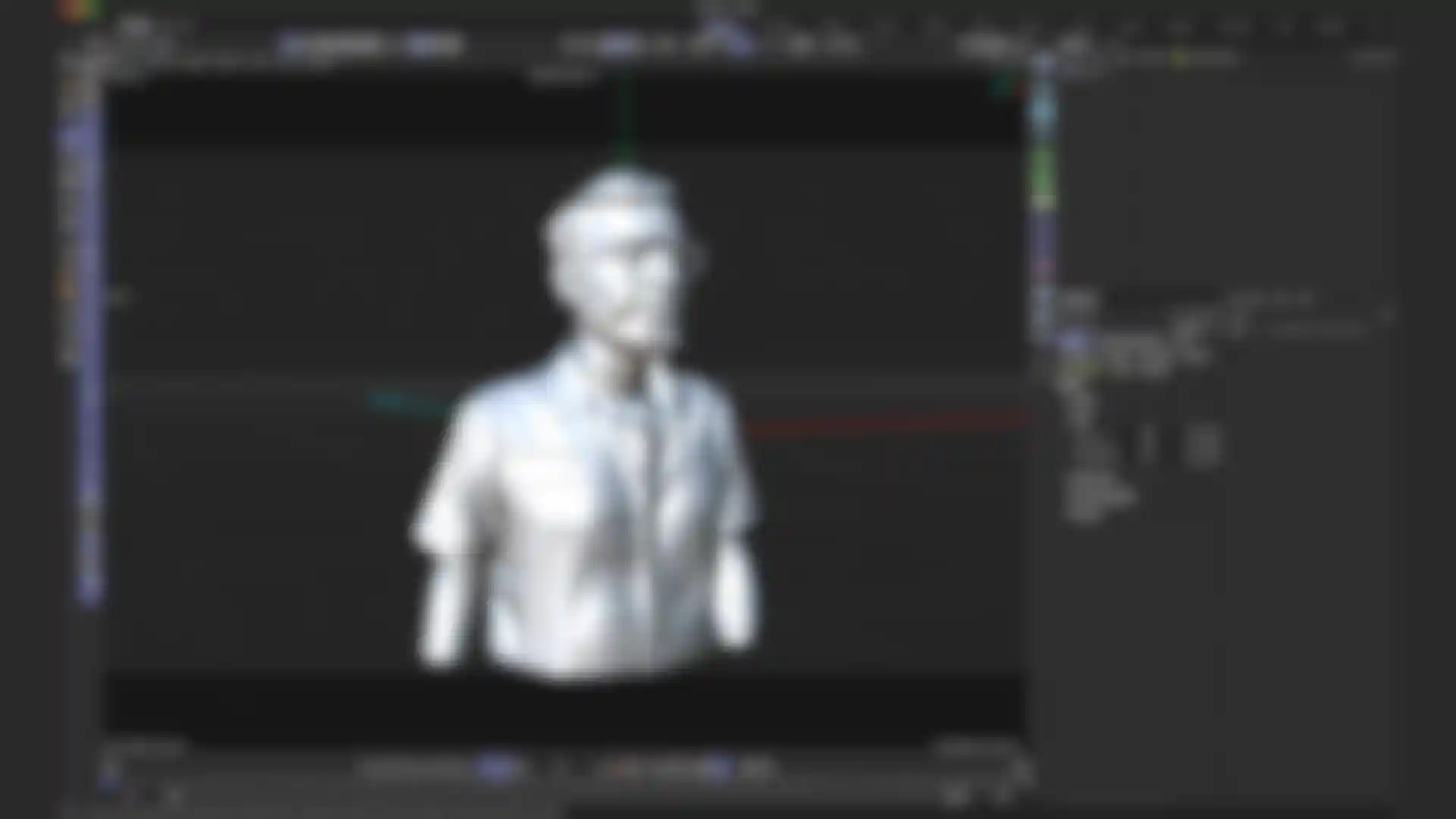
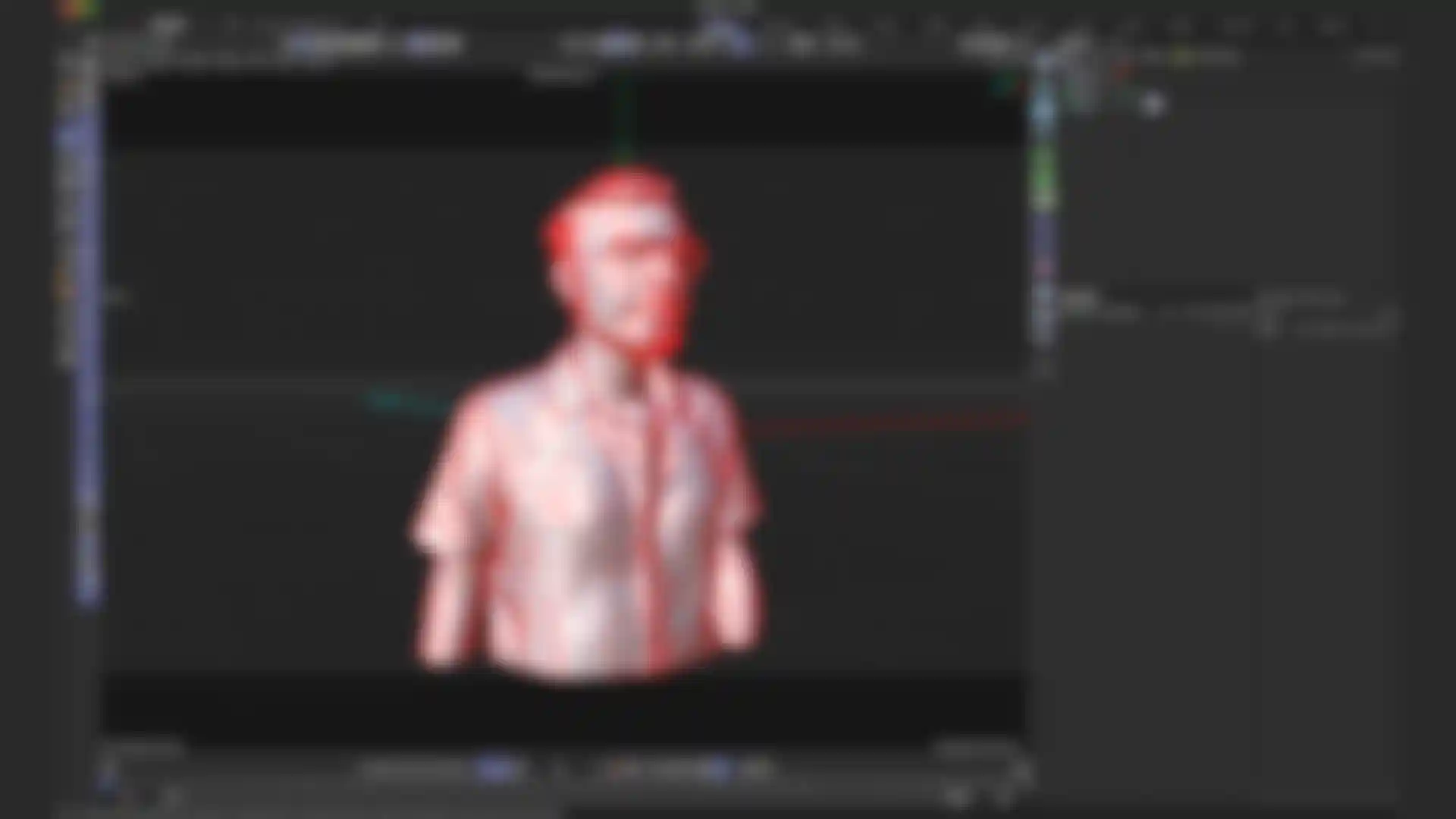
Alla fine abbiamo ottenuto un modello 3D in formato GLB. Lo abbiamo portato in Cinema 4D, ma era troppo pesante, come potete vedere nei wireframe (sì, il colore del nostro wireframe era rosso per adattarsi al look!). Quindi, abbiamo ridotto il modello per renderlo più gestibile e per poter mostrare meglio il contenuto.
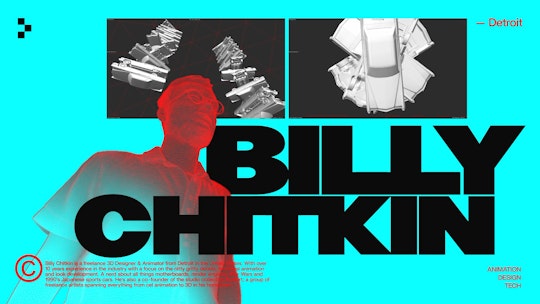
Alcuni modelli avevano un aspetto migliore di altri e non sempre rappresentavano accuratamente il presentatore, quindi abbiamo usato luci ad alto contrasto, sovrapposizioni wireframe ed effetti di clonazione per stilizzare ciascun modello. Era sufficiente per raggiungere il nostro obiettivo, e abbiamo puntato proprio sulla loro forma stilizzata.


Quali sono state le difficoltà che avete affrontato e come siete riusciti a superarle?
Cowen: La sfida principale è stata trovare sequenze uniche sufficienti per ogni presentatore senza che sembrassero monotone con una palette così limitata. La natura veloce e iterativa del lavoro con le previz è stata la chiave per superare questo problema.
Come è stato accolto questo progetto dai partecipanti al NodeFest?
Cowen: Il riscontro è stato davvero positivo, anche perché il pubblico sapeva che avevamo avuto pochissimo tempo per creare il pezzo dopo che lo studio originale si era ritirato all'ultimo.
Cosa avete imparato durante questo processo?
Cowen: La cosa importante che abbiamo imparato è stata come usare DaVinci Resolve e Fusion. Non avevamo mai usato Fusion prima. Un anno fa eravamo passati a DaVinci Resolve per il montaggio e lo adoravamo. Quindi, questo era il momento perfetto per provare Fusion. In definitiva, abbiamo scoperto che era più adatto ai singoli effetti visivi che alla motion graphics. Ci sono sempre delle particolarità quando si impara qualcosa di nuovo, ma è stato veloce e molto più stabile rispetto a quello che usavamo prima.
Che consiglio daresti ad uno studio o agli artisti che si trovano in una situazione simile all'ultimo minuto?
Cowen: Create accogliendo con creatività anche le restrizioni e i limiti imposti!
Nadia Yangin è una copywriter di Maxon.