Workflow

The interface has been designed for maximum workflow and is now based even more on leading 2D applications in order to offer you optimal comfort and efficiency.

All managers are non-modal and have a real-time preview, e.g. for the Brush tool's settings. Numerous interface tools that have already made headlines in CINEMA 4D can also be found in BodyPaint 3D - the Content Browser, Quick Access menu or the Head Up Display, for example. This ensures a fast workflow at all times.

Setup Wizard
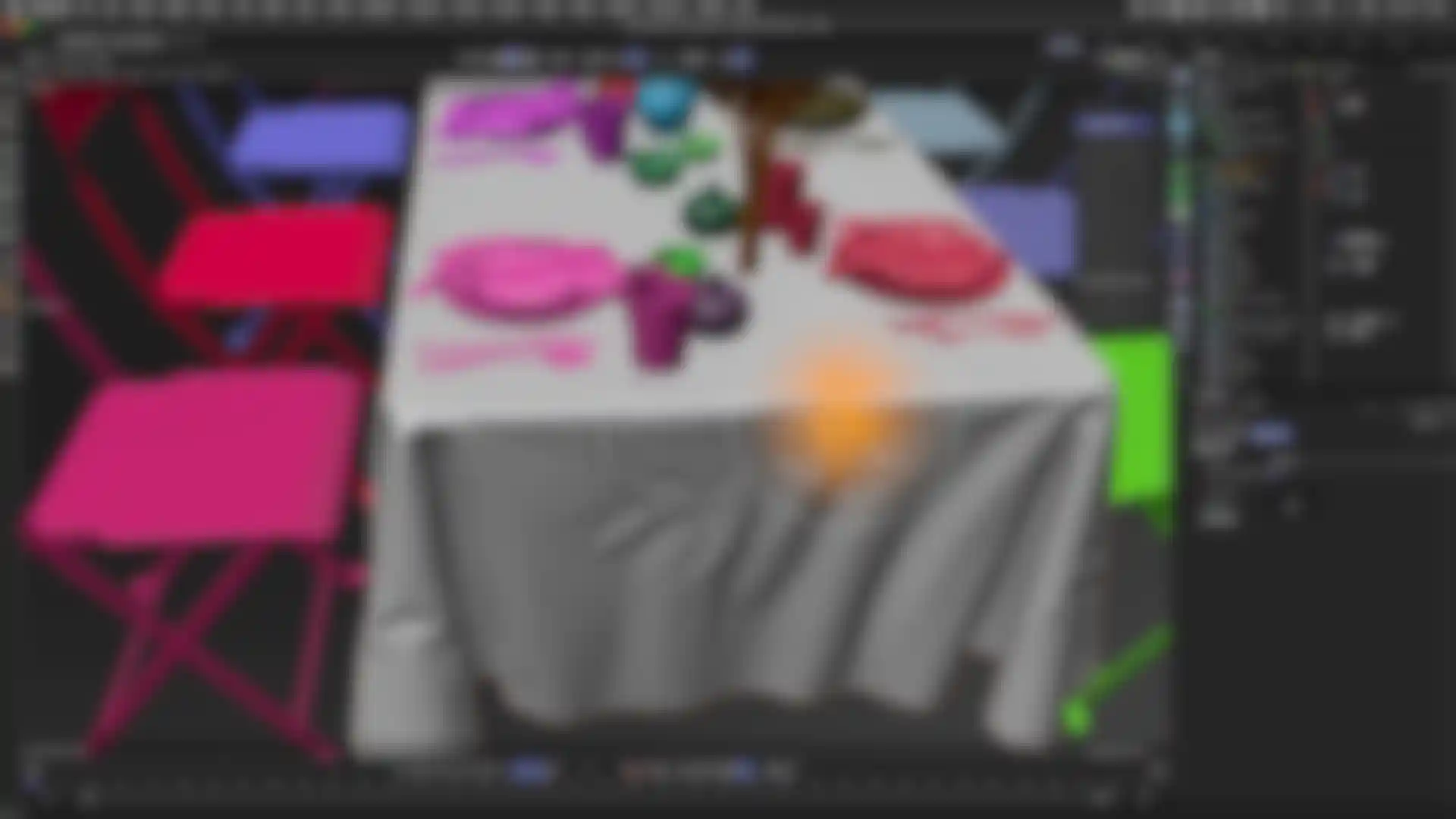
The Setup Wizard reduces the time required to prepare a model for painting and lets you focus your time and talent on the canvas and the finished result. The Setup Wizard creates basic layers, optimizes UVs and determines the optimal texture map size for an individual model, selected hierarchies or an entire scene. With BodyPaint 3D's Setup Wizard you are just a few mouse clicks away from starting your masterpiece.

OpenGL-optimized
BodyPaint 3D also intelligently switches on-the-fly between OpenGL and software shading, letting you benefit from the speed of OpenGL when moving around the scene and the quality of MAXON's own software shading while painting your models.

Load Brushes
QuickTime / 3.1MB
Create Brushes
QuickTime / 2.1MB
Save Brushes
QuickTime / 3.1MB