Layering in the 3rd Dimension

Layers
This familiar layering system operates much like 2D graphics applications, giving you the power to combine various effects and experiment with confidence. In addition to its own B3D format, MAXON BodyPaint 3D can read and write layers and masks in PSD and TIF file formats. Each layer can be assigned a unique opacity and mix mode. BodyPaint 3D also features a real-time preview of layer transformations so you can easily position, scale, rotate, skew and distort layers until your composition is just right.

You can also define a mask in any layer, work with alpha channels or apply different blend modes to layers. Even .psd files can be read and their individual layers or layersets easily accessed.

The Layer Shader makes it possible to quickly assign filters or procedural shaders to images. BodyPaint 3D is second-to-none when compared to conventional 2D image editing applications, and is ideal for high-end compositing and montage work.

Selections
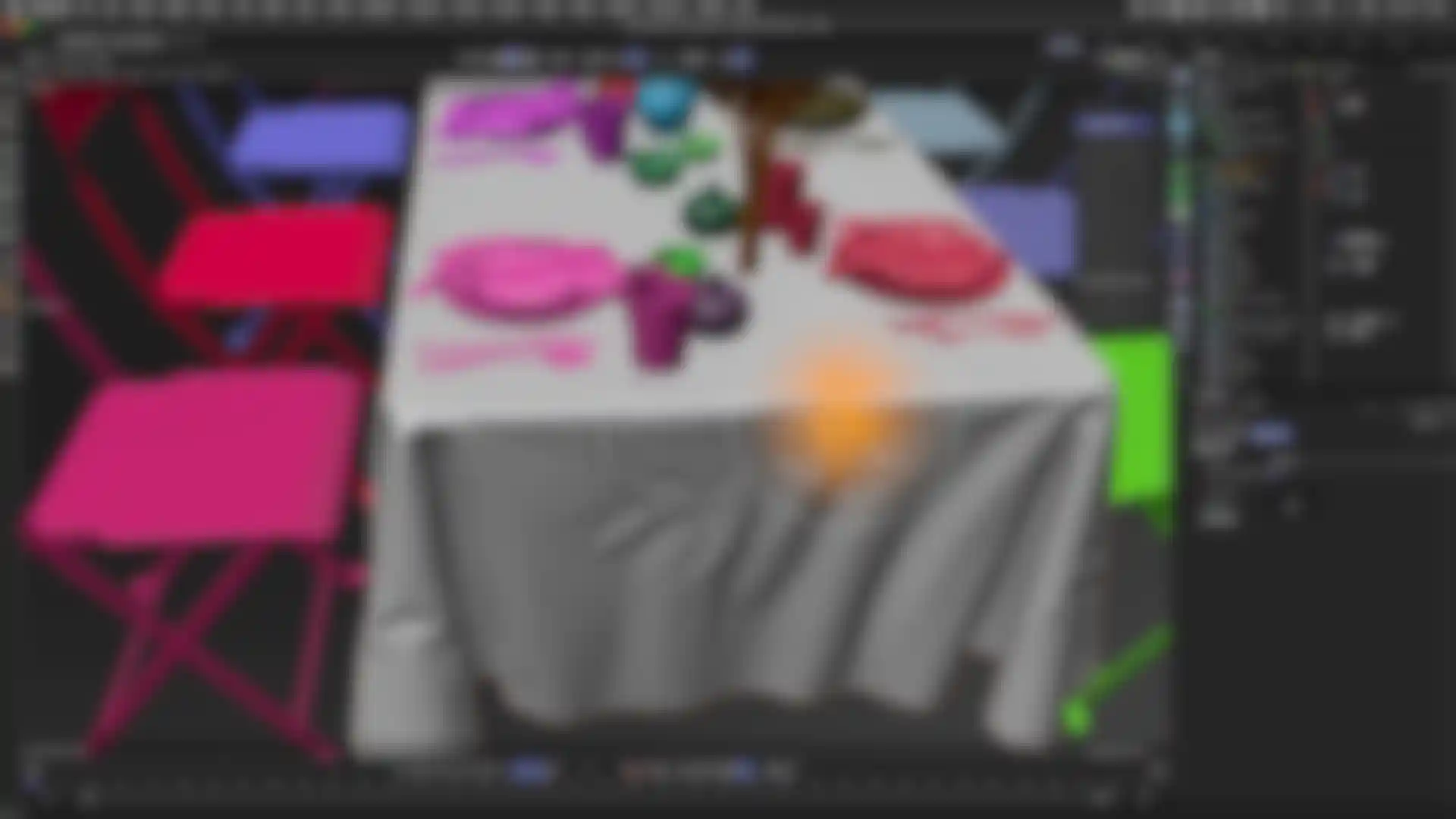
BodyPaint 3D offers a wide variety of intuitive and highly flexible selection tools. All the common tools, like Lasso or Magic Wand, can also be used in the 3D view. Even better, you can easily transform UV selections or polygon selections into image selections.

Of course, selections of all kinds can be stored for later use.

Filters
In 2D image processing you are accustomed to working with bitmap filters such as "blur" or "noise" with which you can modify your image. BodyPaint 3D also offers the most important 25 filters - equipped with some functions that turn these filters into real 3D tools. They offer a real-time preview of the filter's effect in the editor and, even better, an edge mode that guarantees your texture can subsequently be tiled.

If the built-in filters are not enough, BodyPaint 3D offers you even more: You can now use the huge arsenal of Adobe Photoshop®-compatible filters directly in BodyPaint 3D - from simple shareware plugins to complex filters like a pattern generator.