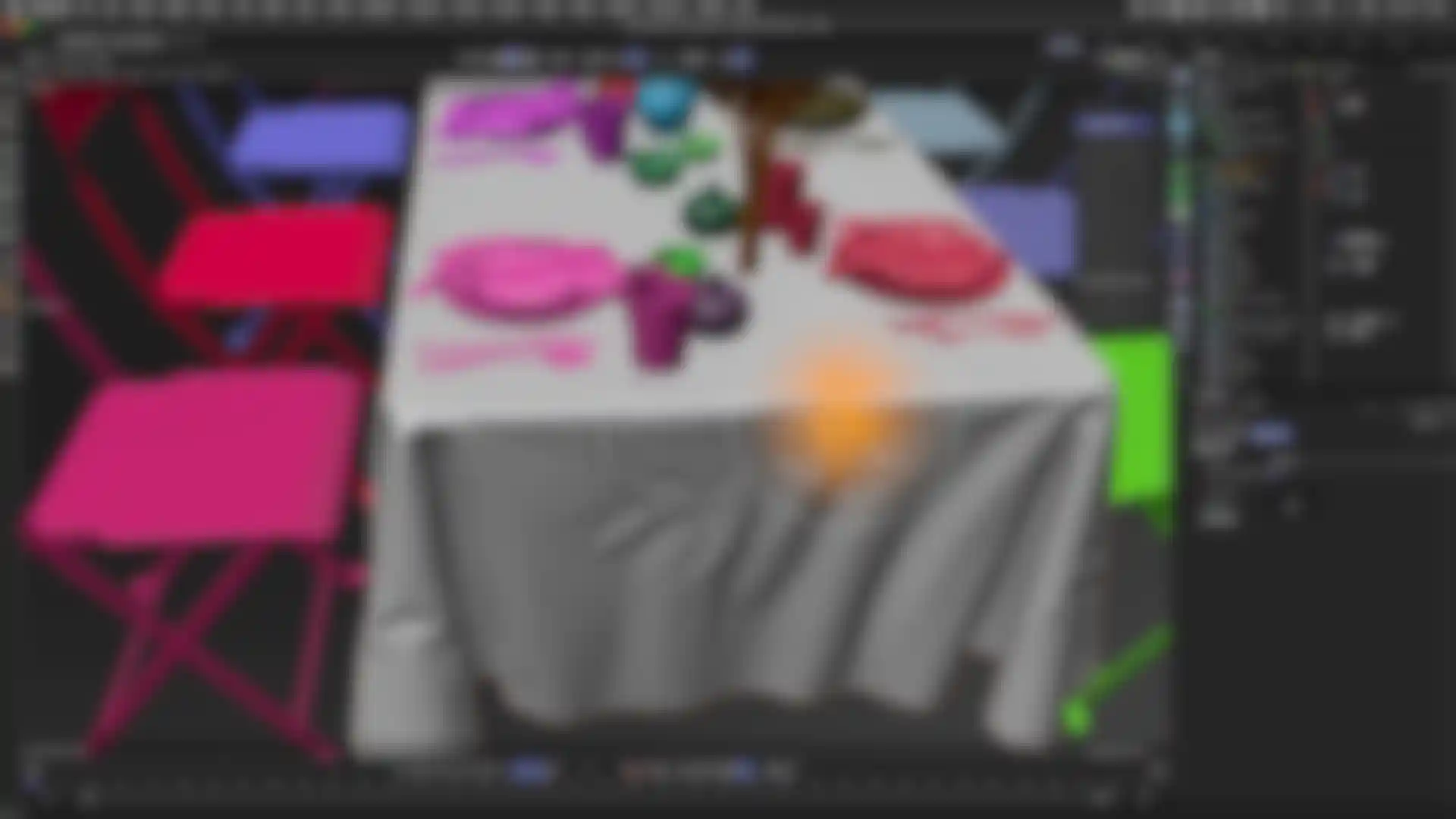
MAXON BodyPaint 3D's exclusive RayBrush technology allows you to paint directly onto a raytraced image. RayBrush eliminates the need to continually switch applications or perform test renders. You can see the actual rendered effect while painting in any channel, including reflection, transparency and bump. You can even paint on multiple textures at once when in RayBrush mode. This outstanding feature takes advantage of MAXON's award-winning render engine, known for speed and quality.
With BodyPaint 3D you can paint an entire material with a single stroke. Each brush can paint up to ten channels simultaneously. A single brush stroke can be used to affect color, bump, specularity, reflection, transparency and other properties. There is no need to match the various channels in your 3D application.
All your favorite painting tools are available in BodyPaint 3D, including Clone, Smear, Sponge, Dodge and Burn tools. The standard brush tool includes pressure, hardness, size, bitmap, distortion, rotation, jitter and other parameters for hundreds of painting possibilities. The effect of any parameter can be controlled by the pressure, tilt, direction or finger wheel of your graphics tablet. Over 200 presets are provided with BodyPaint 3D, representing a variety of natural media and special effects.
A real highlight of BodyPaint 3D is that it now supports the .abr format for Adobe Photoshop-compatible brushes. BodyPaint 3D artists can now take advantage of vast resources available in the Photoshop community- thousands of brushes are available, many of them are free; and we've even added over 1,400 brushes to the brush preset libraries.
With BodyPaint 3D you can paint in the 2D view, in the shaded 3D view or in the raytraced 3D view. Changes that you make in the 3D view are applied to the 2D view in realtime and vice-versa. For the first time ever you can open and edit multiple 3D views. This enables you to quicky switch between views – there is no need to adjust camera settings. For example, you can use separate views for important or difficult to reach regions.
Projection painting offers hitherto unknown comfort when painting textures onto complex geometry. Visible seams at UV edges are now a thing of the past. The detachable projection layers in particular make this process easier by letting objects or images be placed freely before the projection is applied.
With projection painting enabled, you can paint onto a virtual glass plate over the model and subsequently project this painting onto the actual textures. This powerful feature supports all of BodyPaint 3D's painting tools and provides full control over the projection and final appearance of your paint strokes. Projection painting even allows users to paint across multiple objects with a single stroke to eliminate seams. Copy and paste paint between layers. You can copy and paste between layers while in projection paint mode and you can even join two separate images with perfect blending and distortion.
This familiar layering system operates much like 2D graphics applications, giving you the power to combine various effects and experiment with confidence. In addition to its own B3D format, MAXON BodyPaint 3D can read and write layers and masks in PSD and TIF file formats. Each layer can be assigned a unique opacity and mix mode. BodyPaint 3D also features a real-time preview of layer transformations so you can easily position, scale, rotate, skew and distort layers until your composition is just right.
You can also define a mask in any layer, work with alpha channels or apply different blend modes to layers. Even .psd files can be read and their individual layers or layersets easily accessed. The Layer Shader makes it possible to quickly assign filters or procedural shaders to images. BodyPaint 3D is second-to-none when compared to conventional 2D image editing applications, and is ideal for high-end compositing and montage work.
BodyPaint 3D offers a wide variety of intuitive and highly flexible selection tools. All the common tools, like Lasso or Magic Wand, can also be used in the 3D view. Even better, you can easily transform UV selections or polygon selections into image selections. Of course, selections of all kinds can be stored for later use.